Introduction
TL;DR: Open source vector databases store and search high-dimensional embeddings for RAG and AI search. Best for integrated search: OpenSearch; for billion-scale: Milvus; for filter-heavy retrieval: Qdrant; for Postgres stacks: pgvector.
Open source vector database solutions are data management systems focused on storing, indexing, and searching high-dimensional vectors: numerical representations derived mostly from machine learning models. These systems handle the challenges of vector similarity search.
These systems have become foundational for retrieval-augmented generation (RAG) and other AI applications, storing, managing, and querying high-dimensional vector embeddings so applications can retrieve the most relevant results by similarity.
The top open source vector database solutions vary in scale, architecture, and strengths:
- OpenSearch: A search and analytics engine whose Vector Engine adds k-NN, hybrid, and semantic search at scale.
- Apache Cassandra: A distributed NoSQL database that added native vector search in 5.0 via storage-attached indexing.
- pgvector: A PostgreSQL extension that brings vector similarity search next to relational data.
- Milvus: A distributed, cloud-native database built for billion-scale vector workloads.
- Qdrant: A Rust-based engine known for filtering, quantization, and hybrid search.
- Weaviate: An AI-native database that stores objects with vectors and offers built-in hybrid search.
- Chroma: A developer-friendly, open-source search engine popular for RAG and prototyping.
- Vald: A Kubernetes-native distributed engine that uses the NGT algorithm for ANN search.
As generative AI moves into production, these solutions are increasingly judged not just on raw search speed but on how well they fit an existing data platform and support retrieval and agent workflows, from real-time updates to precise metadata filtering.
Editor’s note: Updated to reflect the shift toward retrieval-augmented generation and agentic AI workloads, refresh guidance on choosing a vector database, and expand and reorganize the list of solutions as of 2026.
What are open source vector database solutions?
Open source vector database solutions are data management systems focused on storing, indexing, and searching high-dimensional vectors: numerical representations derived mostly from machine learning models. These systems handle the challenges of vector similarity search, such as finding the closest vectors to a given query within a large dataset, which is a core requirement for applications in artificial intelligence, search engines, recommendation systems, and natural language processing.
By being open source, these solutions offer transparent access to their source code, allowing organizations to audit, modify, and extend the database as needed. Unlike traditional relational or NoSQL databases, vector databases are optimized for operations on float arrays and feature sets that enable rapid nearest neighbor search at scale.
Their architectures typically accommodate the high dimensionality and performance demands of deep learning use cases. Open source options eliminate licensing costs while fostering a community-driven development model that accelerates innovation, provides extensibility, and encourages community support.
Open source vector databases at a glance
The table below summarizes the key differences between the solutions covered in this article. We explore each of them in more detail further down.
| Category | Solution | Best For | Key Strengths | Things to Consider |
|---|---|---|---|---|
| Databases with integrated vector search | OpenSearch | Adding vector, lexical, and hybrid search to one search platform | HNSW/IVF k-NN, hybrid search, GPU-accelerated index builds | HNSW graphs are held in memory, so large indexes need ample RAM |
| Databases with integrated vector search | Apache Cassandra | Write-heavy, distributed workloads that need vector search built in | Masterless scaling, fault tolerance, SAI-backed ANN vector search | No JOINs or referential integrity; data is modeled around queries |
| Databases with integrated vector search | pgvector | Adding vector search to an existing PostgreSQL database | SQL-native vectors, ACID, HNSW/IVFFlat, many distance metrics | Filtering applies after the index scan; big HNSW builds need RAM |
| Purpose-built vector databases | Milvus | Billion-scale vector search in distributed production systems | Elastic scaling, multiple deployment modes, hybrid search, GPU | Self-hosted distributed setup adds configuration overhead |
| Purpose-built vector databases | Qdrant | Low-latency, filter-heavy retrieval for RAG and AI agents | Rust engine, one-stage filtering, quantization, hybrid search | Bulk collection operations require code rather than the web UI |
| Purpose-built vector databases | Weaviate | AI-native apps needing vectors, hybrid search, and embeddings | Objects stored with vectors, built-in vectorization, hybrid search | Cloud management console is limited for some operations |
| Purpose-built vector databases | Chroma | Fast prototyping and RAG on a developer-friendly search engine | Simple API, object-storage backend, vector plus full-text search | Focused on search, less suited to general-purpose database needs |
| Purpose-built vector databases | Vald | Kubernetes-native distributed ANN search over billions of vectors | NGT-based ANN, non-blocking indexing, replication, auto-healing | Requires Kubernetes and AVX2; limited to four client SDKs |
Core capabilities to expect in an open-source vector database solutions
Efficient similarity search
A primary feature of open-source vector databases is efficient similarity search, a process enabling rapid identification of the most similar vectors to a given input. This operation is fundamental for applications like image or document retrieval, semantic search, and recommendation engines.
Vector databases achieve this through specialized techniques such as approximate nearest neighbor (ANN) algorithms, which dramatically reduce search times compared to brute-force methods. ANN indexes, like HNSW or FAISS-based structures, allow scalable search even in datasets with billions of records and hundreds or thousands of dimensions. Recent engines increasingly pair these indexes with quantization, storing vectors at lower precision to shrink memory use and accelerate search.
Metadata filtering, faceting, and pre/post-filters
A vector database should incorporate metadata management for contextual queries. Metadata filtering lets users narrow search results using structured attributes such as tags, categories, timestamps, or any custom fields attached to the vectors. This capability enables, for example, filtering product recommendations by price range or user demographic.
Faceting and the use of pre/post-filters further refine search results by applying additional constraints before or after vector similarity evaluation. Faceting lets users group results into categories or ranges for quick analysis, similar to navigation in eCommerce or enterprise search.
Pre-filtering limits the vectors considered during similarity search to a qualifying subset, improving speed and relevance. Post-filters allow further refinement after candidate vectors have been retrieved, such as applying access controls or more complex business logic.
Real-time upserts, deletes, and time-to-live policies
Real-time upserts (atomically updating or inserting records_ allow for immediate refinements to vectors and their associated metadata without introducing downtime or complex migrations. This capability is especially important for applications like personalized recommendations or rapidly changing search corpora, where the underlying data is constantly updated.
Support for deletions and automatic time-to-live (TTL) policies ensures that expired, obsolete, or sensitive data doesn’t linger in the search index or database. This is also important for compliance, as regulations increasingly require timely data removal. Open-source vector databases with robust upsert, delete, and TTL functionality can maintain accurate datasets while simplifying adherence to data governance and privacy standards. As data-governance and privacy rules tighten, automated deletion and retention controls have shifted from a nice-to-have to a baseline expectation.
Multi-tenancy, namespaces, quotas, and RBAC
Enterprises often require vector database solutions to support multi-tenancy, enabling multiple users, departments, or applications to operate independently within the same physical infrastructure. Multi-tenancy prevents cross-tenant data leaks while maintaining logical and resource separation, crucial for SaaS systems or organizations running several AI models in parallel.
Namespaces provide further isolation at the logical data structure level, so teams can manage separate collections of vectors and metadata without risk of conflict or accidental data exposure. Resource quotas and role-based access control (RBAC) are equally important for large-scale or sensitive deployments. Quotas manage the allocation of compute, memory, or storage to prevent one tenant from monopolizing resources, while RBAC enforces permissions for different users or groups. Enterprise deployments increasingly expect these controls to arrive with recognized security and compliance attestations such as SOC 2 and HIPAA.
Observability hooks, tracing, and query explainability
For production use, operational visibility into database internals is crucial. Observability hooks enable integration with monitoring systems, surfacing metrics such as query performance, index health, and resource utilization. This visibility enables early detection of slowdowns or resource bottlenecks, supporting proactive capacity planning and incident response.
Tracing capabilities provide end-to-end insight into individual query execution paths, helping teams diagnose latency issues or bugs and optimize application integrations. Query explainability is an emerging feature, allowing users to understand why particular results were returned for a given search request. It surfaces details on index selection, scoring algorithms, and filter applications.
Query explainability has been maturing from an emerging capability into a more common requirement as teams move vector search into production.
How RAG and AI agents are reshaping vector databases
Retrieval-augmented generation (RAG) and AI agents have become the dominant workloads driving vector database adoption. Rather than relying only on a model’s training data, these systems retrieve relevant context from a vector store at query time, which raises the importance of low latency, fresh updates, and precise metadata filtering.
Industry analyses now converge on a small set of production-grade engines, and teams increasingly select one based on their existing data platform rather than headline benchmarks. Vector search is also moving closer to where relational and operational data already live, with database extensions maturing to handle tens of millions of vectors before a dedicated engine is required.
Tips from the expert

Kassian Wren
Open Source Technology Evangelist
Kassian Wren is an Open Source Technology Evangelist specializing in OpenSearch. They are known for their expertise in developing and promoting open-source technologies, and have contributed significantly to the OpenSearch community through talks, events, and educational content
In my experience, here are tips that can help you better operate and choose open source vector database solutions in production:
- Treat embeddings like versioned data, not “just columns”: Store
embedding_model,model_version,prompt/template_version, andnormalizationas first-class fields; dual-write old+new embeddings during upgrades so you can A/B recall and roll back safely. - Build a “ground-truth harness” before you benchmark engines: Maintain a curated evaluation set and periodically compute exact neighbors on a sampled slice (even if it’s slow) to measure real
recall@kand “win-rate” against your current stack—otherwise ANN tuning becomes guesswork. - Design filters around selectivity, not convenience: High-selectivity filters should be applied early; low-selectivity filters often perform better after ANN retrieval. Precompute “filter buckets” (e.g.,
tenant_id,region,doc_type) to avoid expensive wide scans. Plan for vector drift as an operational metric:Monitor embedding distribution shift (norms, cosine similarity histograms, centroid movement) and retrieval stability over time; drift is often the hidden cause of “search got worse” incidents.Make index rebuild a blue/green deployment, not a maintenance event:For large collections, rebuild in parallel (new index/collection), shadow traffic for quality + latency, then cut over. It’s the cleanest path for changing ANN parameters, quantization settings, or schema.
Notable open source vector database solutions
How we selected these tools: We shortlisted open source vector database solutions based on the strength of their similarity search, indexing options, filtering and hybrid search, scalability, and deployment flexibility.
Databases with integrated vector search
1. Opensearch

Best for: Adding vector, lexical, and hybrid search to one search platform
Strengths: HNSW/IVF k-NN, hybrid search, GPU-accelerated index builds
Things to consider: HNSW graphs are held in memory, so large indexes need ample RAM
OpenSearch is an open-source search and analytics engine whose Vector Engine adds a full vector database to the same platform used for lexical search and analytics. It stores model-generated embeddings alongside metadata and runs similarity queries using k-nearest neighbor (k-NN) search.
The k-NN capability is powered by indexing algorithms such as Hierarchical Navigable Small Worlds (HNSW) and Inverted File (IVF). OpenSearch combines vector, lexical, and hybrid search in one engine, is designed to scale to tens of billions of vectors, and ships under the Apache 2.0 license, running self-managed or through managed cloud services.
Key features include:
- k-NN similarity search: Runs low-latency k-nearest neighbor queries to find the most similar vectors to a query. Approximate search is backed by HNSW and IVF indexes, while exact search is available for smaller datasets or when perfect recall is required.
- Hybrid search: Combines keyword-based (BM25) scoring with dense vector search in a single query. Relevance scores from both methods are normalized and blended so results reflect lexical matches and semantic similarity together.
- Vector quantization: Reduces index size and query latency by storing vectors at lower precision, keeping the impact on recall small. Memory-optimized search can memory-map Faiss indexes and use the OS cache instead of loading everything into RAM.
- GPU-accelerated index builds: Uses GPU hardware to build vector indexes, cutting build times and costs for high-scale workloads. This targets datasets where CPU-only index construction becomes a bottleneck.
- Intelligent filtering: Applies filtering strategies during vector search to balance recall and latency, so metadata constraints can be combined with similarity search without discarding too many candidate results.
- Semantic and multimodal search: Encodes text, image, and audio inputs into embeddings so queries match on meaning rather than exact terms, supporting semantic search, multimodal search, and retrieval-augmented generation (RAG) workflows.
Limitations (as reported by users on G2):
- Query performance and stability: Some users report occasional outages or slower responses to queries under heavier load.
- Support responsiveness: Reviewers note that available support can feel limited when issues come up.
- Operational visibility: A few users would like stronger real-time visualization and update tooling.
2. Apache Cassandra

Best for: Write-heavy, distributed workloads that need vector search built in
Strengths: Masterless scaling, fault tolerance, SAI-backed ANN vector search
Things to consider: No JOINs or referential integrity; data is modeled around queries
Apache Cassandra is an open-source, distributed NoSQL database built for scalability and high availability across commodity hardware or the cloud. Its masterless architecture has no single point of failure, and read and write throughput scale linearly as nodes are added.
Cassandra 5.0 adds vector search, bringing similarity search over embeddings into the same distributed storage and query model. It is implemented through Storage Attached Indexing (SAI), which adds column-level indexes to a new vector data type and supports approximate nearest neighbor (ANN) queries, so similarity search inherits Cassandra’s replication, consistency, and fault tolerance.
Key features include:
- Vector data type and search: Cassandra 5.0 introduces a vector data type and ANN indexing so embeddings can be stored and searched for semantic similarity directly in the database, alongside existing tables.
- Storage Attached Indexing (SAI): Provides column-level indexes used for vector and other queries. SAI replaces the older secondary index, allows querying on non-primary-key columns, and underpins the 5.0 vector search mechanism.
- Masterless, fault-tolerant architecture: Every node is identical with no single point of failure. Replication across multiple data centers lets a cluster survive an entire data-center outage, and failed nodes can be replaced without downtime.
- Linear scalability: Read and write throughput increase linearly as machines are added, with no downtime. Zero Copy Streaming moves data between nodes during scaling operations for a more elastic architecture in cloud and Kubernetes environments.
- Tunable consistency: Each update can use synchronous or asynchronous replication, and consistency levels such as One, Quorum, or All can be chosen per operation to balance latency against data accuracy.
- Unified Compaction and Trie storage: Cassandra 5.0 adds a Unified Compaction Strategy that adjusts data organization as clusters grow, plus Trie-based memtables and SSTables that improve memory and storage efficiency.
Limitations (as reported by users on TrustRadius):
- Learning curve: Reviewers note that setup, tuning, and cluster maintenance typically call for experienced administrators.
- No JOINs or referential integrity: Users point out that data must be modeled around query patterns, which can lead to some data duplication.
- Costly aggregations: Some users report that aggregate functions and ad-hoc analytical queries can be expensive.
3. pgvector

Best for: Adding vector search to an existing PostgreSQL database
Strengths: SQL-native vectors, ACID, HNSW/IVFFlat, many distance metrics
Things to consider: Filtering applies after the index scan; big HNSW builds need RAM
pgvector is an open-source extension that adds vector similarity search to PostgreSQL. It stores embeddings in a vector column beside relational data, so vectors can be queried with standard SQL and combined with JOINs, filters, and aggregates. Because it runs inside Postgres, it inherits ACID compliance, point-in-time recovery, and replication through the write-ahead log.
It supports exact (brute-force) search for perfect recall and approximate search using HNSW or IVFFlat indexes. Distance functions include L2, inner product, cosine, L1, Hamming, and Jaccard, and half-precision, binary, and sparse vector types are available to reduce storage and index size.
Key features include:
- Native PostgreSQL integration: Adds a vector column type to existing tables so similarity search runs inside Postgres without a separate database, and vectors can be combined with SQL joins, filters, and transactions.
- Exact and approximate search: Performs exact nearest neighbor search for perfect recall, or approximate search with HNSW and IVFFlat indexes that trade some recall for speed. HNSW gives a better speed-recall tradeoff; IVFFlat builds faster and uses less memory.
- Multiple distance metrics: Supports L2 (Euclidean), inner product, cosine, L1 (taxicab), Hamming, and Jaccard distance operators, so one store can serve different similarity definitions across use cases.
- Compact vector types and quantization: Provides half-precision, binary, and sparse vector types plus binary quantization, which shrink index size and speed up builds so larger working sets can stay in memory.
- Iterative index scans: Offers strict or relaxed iterative index scans that keep scanning an approximate index until enough rows match a WHERE clause, addressing cases where post-index filtering returns too few results.
- Scaling and recovery: Uses the Postgres write-ahead log for replication and point-in-time recovery, scales vertically with memory and CPU, and can scale horizontally with replicas or sharding tools such as Citus and PgDog.
Limitations (as reported by users on G2):
- Post-index filtering: By design, filters are applied after an approximate index is scanned, so selective filters can return fewer results unless iterative scans are enabled.
- Index build memory: Large HNSW index builds are fastest when the graph fits in maintenance memory, so building at scale can be memory-intensive.
- Feature and documentation gaps: Some users report wanting more features and clearer documentation compared with dedicated vector databases.
4. Milvus

Best for: Billion-scale vector search in distributed production systems
Strengths: Elastic scaling, multiple deployment modes, hybrid search, GPU
Things to consider: Self-hosted distributed setup adds configuration overhead
Milvus is an open-source vector database built for GenAI applications and large-scale similarity search. It lets developers store, index, and query collections of embeddings with low latency, and it scales from a laptop to distributed clusters holding tens of billions of vectors.
It can be installed with a pip command for prototyping and grown into a horizontally scaled deployment for production. Milvus supports metadata filtering and hybrid search that combines vector similarity with structured filters, and exposes a client API for collection management, inserts, deletions, and queries.
Key features include:
- Multiple deployment modes: Runs as Milvus Lite (a library installed with pip for notebooks and laptops), Milvus Standalone (single node), or Milvus Distributed (scaled horizontally to billions of vectors), so one database covers prototyping through production.
- Elastic scaling: Scales out with a distributed architecture to support tens of billions of vectors, letting clusters grow with data volume and query load without redesigning the application.
- High-speed vector search: Uses optimized indexing to return low-latency results at scale, and maintains query speed and accuracy through a global index as datasets grow.
- Hybrid search and filtering: Combines vector similarity with metadata filters and supports multi-vector search, so queries can apply structured conditions alongside semantic matching for more refined results.
- AI tool integration: Works with frameworks such as LangChain, LlamaIndex, Hugging Face, and OpenAI, so embeddings and retrieval can be wired into GenAI pipelines with less custom code.
- Client API and tooling: Provides a client interface for collection creation, insertion, deletion, and search, plus surrounding tools for management, sizing, and backup.
Limitations (as reported by users on G2):
- Self-hosted configuration: Reviewers note that configuring self-hosted, distributed Milvus can be involved compared with fully managed options.
- Operational overhead: Running the distributed deployment at scale generally requires Kubernetes and infrastructure expertise.
- Learning curve: Some users report effort matching Milvus to specific workflow needs during onboarding.
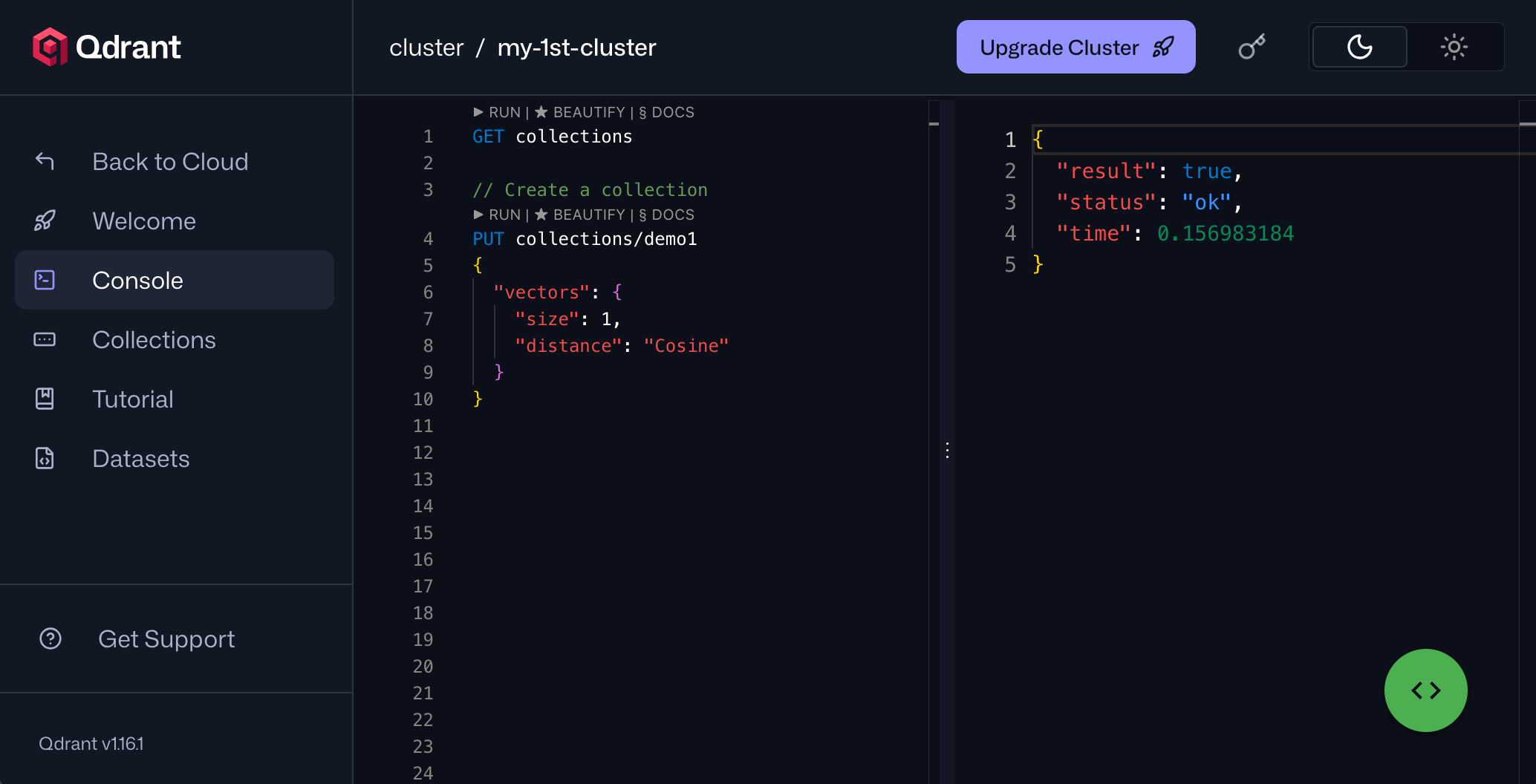
5. Qdrant

Best for: Low-latency, filter-heavy retrieval for RAG and AI agents
Strengths: Rust engine, one-stage filtering, quantization, hybrid search
Things to consider: Bulk collection operations require code rather than the web UI
Qdrant is an open-source vector search engine written in Rust for high-performance similarity search at scale. It is built from first principles with SIMD optimizations and a custom storage engine (Gridstore), and targets real-time retrieval with low latency across large vector datasets.
Qdrant can run self-hosted, in a managed cloud, in a hybrid cloud with your own Kubernetes, or on the edge. It applies filters during HNSW traversal rather than before or after search, supports native hybrid search with dense and sparse vectors, multivector retrieval, and reranking, and stores rich JSON metadata for advanced filtering.
Key features include:
- Rust-based search engine: Built entirely in Rust with SIMD and a custom storage engine, aimed at fast, scalable vector search with a small memory footprint rather than wrapping an existing database.
- One-stage filtering: Applies metadata filters during HNSW graph traversal instead of pre- or post-filtering, maintaining high recall and low latency even when conditions are complex or highly selective.
- Native hybrid search: Blends dense and sparse vectors in a single query and supports methods such as BM25, SPLADE++, and miniCOIL, so keyword and semantic matching run together.
- Quantization: Offers scalar, product, and binary quantization to cut memory use substantially while preserving search quality, which helps store large vector sets on smaller hardware.
- Expansive metadata filtering: Stores metadata as JSON and supports nested, text, geo, and other filter types, giving precise control over which vectors are considered during search.
- Reranking and multivector retrieval: Supports multiple vectors per object, late-interaction reranking models such as ColBERT, score boosting, and Maximum Marginal Relevance to diversify and refine results.
Limitations (as reported by users on G2):
- Limited UI operations: Users report that bulk actions, such as deleting multiple collections or matching by name pattern, require writing code or queries rather than using the web UI.
- Built-in visualization: Some reviewers note a lack of built-in visualization tooling.
- Initial learning curve: A few users describe a steep initial learning curve, while adding that the documentation helps.
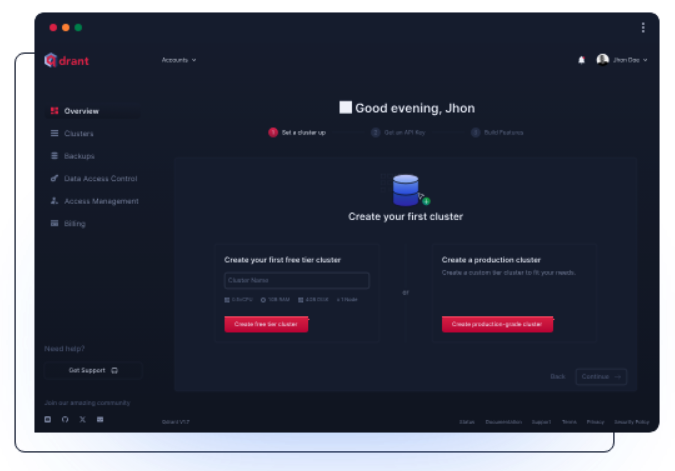
Source: QDrant
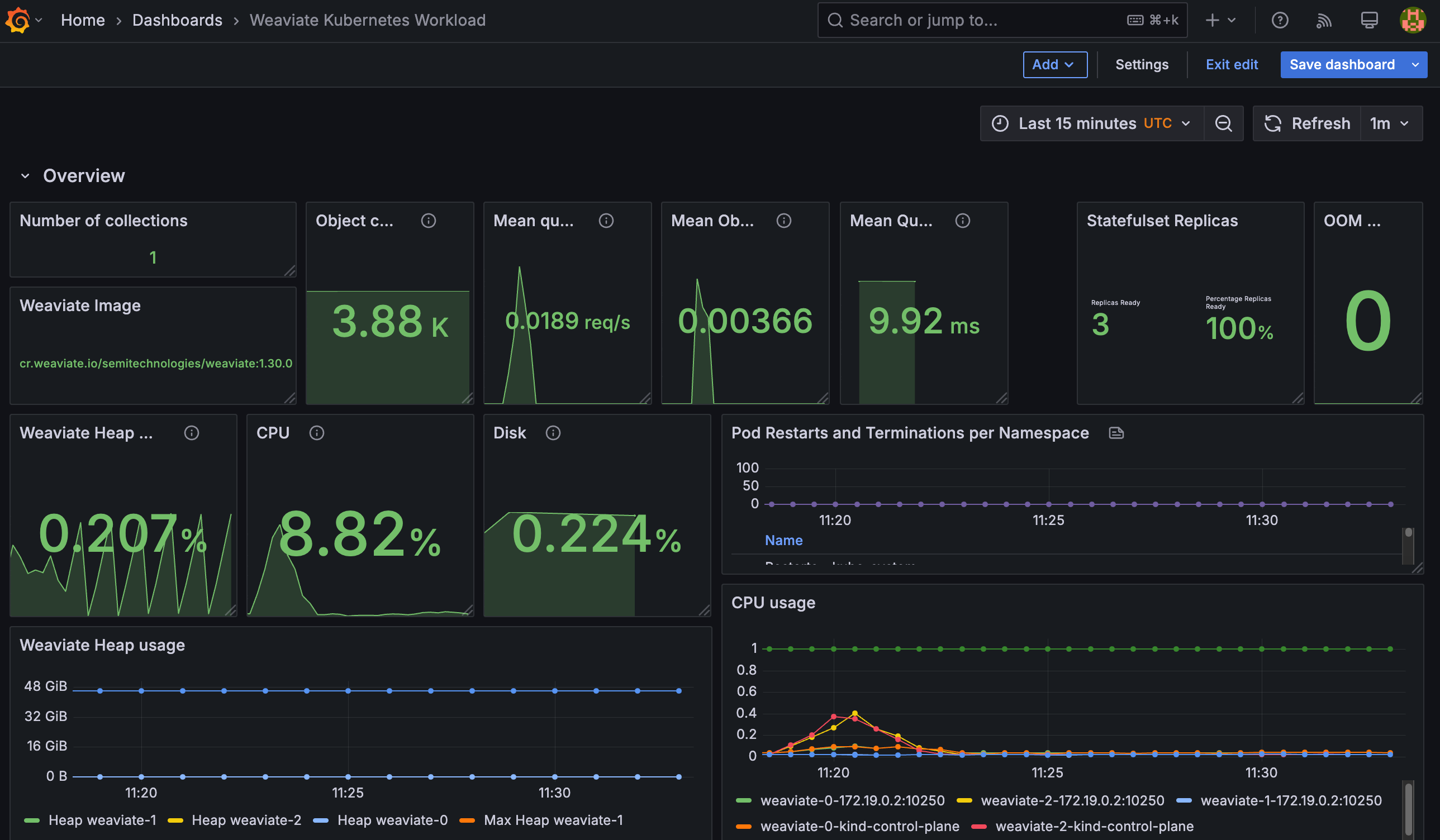
6. Weaviate

Best for: AI-native apps needing vectors, hybrid search, and embeddings
Strengths: Objects stored with vectors, built-in vectorization, hybrid search
Things to consider: Cloud management console is limited for some operations
Weaviate is an open-source, AI-native database that stores data objects together with their vector embeddings. It provides vector search, keyword search, and retrieval-augmented generation on one platform, and can generate embeddings itself so raw text or images can be ingested without a separate vectorization pipeline.
It runs self-hosted, as a managed cloud service, or on Kubernetes. Weaviate supports hybrid search that combines vector and keyword matching, filtering over metadata and nested fields, and multi-tenancy that isolates large numbers of tenants within a cluster, with client SDKs for Python, Go, TypeScript, and JavaScript over GraphQL or REST APIs.
Key features include:
- Objects stored with vectors: Stores each data object together with its embedding, so structured properties and vectors live in one place and can be queried together rather than kept in separate systems.
- Built-in vectorization: Connects to external models and frameworks to generate embeddings on ingest, so users can insert raw text or images and let Weaviate handle vectorization, or bring their own vectors.
- Hybrid search: Combines dense vector search with BM25 keyword search in a single engine, enabling semantic and lexical matching without configuring a separate keyword system.
- Filtering at scale: Runs fast, complex queries over large datasets, including filtering on metadata and nested fields, so semantic search can be constrained by structured conditions.
- Multi-tenancy: Isolates large numbers of tenants within a single cluster, which suits SaaS applications that need separate, segmented indexes per customer.
- Flexible deployment and RAG: Runs self-hosted, as a managed service, or via Kubernetes, and integrates proprietary data with language models to support retrieval-augmented generation out of the box.
Limitations (as reported by users on G2):
- Management console: Reviewers describe the cloud management console as limited, with some operations not available without code.
- Support responsiveness: One user reported slow support responses while troubleshooting a data issue.
- Cloud feature gaps: Some users would like more features enabled directly in the cloud console.
Source: Weaviate
7. Chroma
Best for: Fast prototyping and RAG on a developer-friendly search engine
Strengths: Simple API, object-storage backend, vector plus full-text search
Things to consider: Focused on search, less suited to general-purpose database needs
Chroma is an open-source search engine for AI applications that provides vector, full-text, regex, and metadata search from one system. It is built on object storage with automatic data tiering between memory, SSD, and cold storage, which keeps costs low for large collections.
It installs in seconds with a pip or npm package and is widely used for retrieval-augmented generation and prototyping. Chroma supports dense vector search, sparse lexical search such as BM25 and SPLADE, trigram and regex search, and faceted metadata filtering, and it can run locally, serverless in the cloud, or inside a customer VPC.
Key features include:
- Multiple search types: Provides semantic vector search, sparse lexical search (BM25 and SPLADE), full-text trigram and regex search, and metadata filtering in one engine, so different retrieval methods run against the same collections.
- Object-storage architecture: Stores all vectors, metadata, and indexes on object storage such as S3 or GCS with query-aware tiering and caching, which lowers cost for large datasets while keeping hot data fast.
- Developer-friendly setup: Installs with a single pip or npm command and exposes simple Python, TypeScript, and Rust clients, so a collection can be created and queried quickly during prototyping.
- Collection forking: Supports fast copy-on-write duplication of collections for dataset versioning, A/B testing, and roll-outs, so changes can be tested without copying entire datasets.
- Serverless scaling: Auto-scales with usage without manual tuning and searches across large numbers of multi-tenant indexes, with dedicated clusters available for specific workload requirements.
- Enterprise deployment: Offers bring-your-own-cloud deployment inside a customer VPC, multi-region replication, private networking, point-in-time recovery, and customer-managed encryption keys under an Apache 2.0 license.
Limitations (as reported by users on G2):
- Search-focused scope: Reviewers note that Chroma is focused on vector and search use cases and may not suit general-purpose database needs.
- Documentation and learning curve: Some users report limited advanced documentation and a learning curve for newcomers.
- Framework integration: One user found indexes are not displayed as clearly as some alternatives and that LangChain integration was occasionally inconsistent.
8. Vald

Best for: Kubernetes-native distributed ANN search over billions of vectors
Strengths: NGT-based ANN, non-blocking indexing, replication, auto-healing
Things to consider: Requires Kubernetes and AVX2; limited to four client SDKs
Vald is an open-source, cloud-native distributed vector search engine for fast approximate nearest neighbor (ANN) search. It is built on a microservices architecture with a high affinity for Kubernetes and uses the NGT algorithm to search neighbors across billions of high-dimensional vectors.
It provides automatic vector indexing, index backup, and horizontal scaling driven by Kubernetes cluster size. Vald distributes its vector index across multiple agents, each holding a different portion of the index, replicates indexes so it can rebalance and self-heal when an agent goes down, and implements customizable ingress and egress filters over its gRPC interface.
Key features include:
- NGT-based ANN search: Uses the NGT algorithm for fast approximate nearest neighbor search over dense vectors, and lets users switch to another search engine within Vald when a different approach fits the workload.
- Asynchronous auto-indexing: Builds indexes in the background using a distributed index graph, so search continues to run during indexing instead of stopping the world while the graph updates.
- Distributed and replicated indexing: Spreads the vector index across multiple agents and stores replicas across agents, then automatically rebalances replicas and recreates agents when a node fails.
- Horizontal scalability: Scales across memory and CPU based on Kubernetes cluster size, so index capacity grows as the cluster is scaled to handle high-throughput demand.
- Customizable ingress/egress filtering: Provides its own configurable gRPC ingress and egress filters, which can transform incoming data, for example converting a blob to a vector, or adjust results on the way out.
- Index backup and disaster recovery: Backs up indexes automatically to object storage or a persistent volume, enabling recovery of data if an agent instance is lost.
Limitations (based on publicly available sources):
- Kubernetes dependency: Vald is designed for Kubernetes and requires a cluster (1.19+) and AVX2 CPU instructions, so it is not suited to non-Kubernetes environments.
- Operational complexity: Running Vald involves several components (agents, discoverer, gateways, index manager) and Kubernetes expertise to deploy and maintain.
- Limited client languages: Official SDKs are limited to Go, Java, Node.js, and Python.
- Smaller ecosystem: Vald is a niche project with a smaller community than mainstream vector databases, which can affect available tooling and support.
Related content: Read our guide to vector database open source
Choosing an open source vector database solution
Selecting the right open source vector database depends on the needs of your application, infrastructure, and operational environment. While all solutions covered offer core capabilities such as vector search, metadata filtering, and real-time updates, the trade-offs in performance, scalability, integration, and deployment flexibility can vary widely. Here are the key factors to consider when evaluating and choosing a vector database:
- Search performance and indexing strategy: Consider the speed and accuracy of similarity search across different indexing methods. Evaluate whether the database supports ANN techniques like HNSW or IVFFlat and how tunable they are for your recall/latency trade-offs.
- Scalability and deployment model: Assess how well the solution scales with your data size and query volume. Determine if the database offers support for distributed operation, cloud-native deployments (e.g., Kubernetes), or lightweight local modes for development.
- Integration with AI workflows: Look for native support or compatibility with your ML/AI stack, including vectorizers, model inference pipelines, and RAG architectures. Integration with frameworks like LangChain, Hugging Face, or LlamaIndex may be critical for GenAI use cases.
- Filtering and query flexibility: Evaluate the expressiveness of query capabilities, including support for metadata filtering, hybrid search (vector + keyword), and logical operators. This is especially important for applications requiring precise control over search results.
- Operational features and observability: Production readiness depends on observability, upsert/delete support, TTL policies, and ease of monitoring. Look for built-in metrics, tracing tools, and support for automated index maintenance and backups.
- Security, multi-tenancy, and access control: Consider enterprise features such as RBAC, tenant isolation, quota management, and integration with identity providers. These are essential in multi-user environments and regulated industries.
- Community, ecosystem, and maturity: An active open source community, detailed documentation, and a growing ecosystem of clients and plugins can accelerate development and provide long-term support. Maturity often correlates with reliability and stability in production.
By aligning these factors with your workload characteristics (such as data dimensionality, update frequency, and latency tolerance) you can choose a vector database that meets your performance goals and operational constraints. Increasingly, the deciding factor is how well a database fits your existing data-platform commitments and your retrieval-augmented generation or agent workloads, with database extensions now handling tens of millions of vectors before a dedicated engine becomes necessary.
Conclusion
Open source vector databases have matured into essential infrastructure for AI-driven systems, offering specialized indexing, low-latency search, and flexible integration with machine learning pipelines. The top solutions demonstrate that open source tools can match or exceed proprietary offerings in performance, scalability, and extensibility. Choosing the right vector database requires careful evaluation of workload patterns, data architecture, and operational needs.