


What Are Managed PostgreSQL Database Services?
Managed PostgreSQL services (DBaaS) handle database provisioning, scaling, automated backups, security patching, and high availability. By offloading these infrastructure burdens to specialized providers, your engineering team can focus entirely on writing application and business logic instead of database administration.
These services typically offer web-based dashboards or APIs to provision, monitor, and manage databases with minimal manual intervention. Managed PostgreSQL solutions also automate failover, recovery, and scaling, reducing operational complexity and minimizing downtime. By abstracting away the infrastructure layer, managed services help teams accelerate development cycles, improve reliability, and maintain best practices without requiring deep in-house database expertise.
Managed PostgreSQL vs. Unmanaged PostgreSQL
Managed PostgreSQL services differ from unmanaged PostgreSQL setups, where users are responsible for all aspects of the database lifecycle.
In an unmanaged environment, teams must install, configure, secure, and maintain both the database software and the underlying hardware or virtual machines. This includes managing backups, monitoring system health, applying security patches, and handling failover or disaster recovery scenarios manually, which can be resource-intensive and error-prone.
Managed PostgreSQL services automate most operational tasks and provide built-in tools for backup, recovery, monitoring, and scaling. This reduces the administrative burden on internal teams and allows organizations to benefit from the provider’s expertise and best practices. Managed services also offer predictable costs, as pricing is usually based on consumption or subscription models, while unmanaged setups may incur hidden expenses due to downtime, misconfiguration, or resource overprovisioning.
Key Benefits of Managed PostgreSQL Services
Managed PostgreSQL services reduce the operational effort required to run production databases. By automating routine administration tasks and providing built-in reliability features, these platforms enable teams to spend more time developing applications and less time maintaining infrastructure:
- Reduced administrative overhead: Database provisioning, patching, upgrades, backups, and routine maintenance are handled by the service provider.
- Improved reliability and availability: Most managed services include automated failover, replication, and high-availability configurations.
- Automated backups and recovery: Built-in backup scheduling, point-in-time recovery, and disaster recovery capabilities simplify data protection.
- Simplified scalability: Resources such as storage, memory, and compute capacity can typically be scaled on demand.
- Enhanced security: Providers implement security best practices, including encryption, access controls, vulnerability patching, and compliance features.
- Built-in monitoring and alerting: Managed platforms offer dashboards, metrics, logs, and automated alerts to identify and resolve performance issues.
- Faster deployment: New database instances can be provisioned within minutes through web interfaces or APIs.
- Access to expert operations: Organizations benefit from the provider’s database expertise and operational experience without maintaining a dedicated database administration team.
- Predictable cost management: Consumption-based or subscription pricing models make infrastructure costs easier to forecast and often eliminate hardware procurement and maintenance expenses.
- Support for modern development practices: Managed PostgreSQL services commonly integrate with cloud-native tools, automation frameworks, and CI/CD pipelines.
Core Features to Look For in a Managed PostgreSQL Provider
1. PostgreSQL Version Support
PostgreSQL version support is a requirement when choosing a managed service provider. The provider should offer the latest stable PostgreSQL releases, as well as support for previous major versions to accommodate legacy applications. Access to new versions ensures users can use the latest features, security patches, and performance improvements, while support for older versions provides flexibility during migration or when maintaining long-lived systems.
Providers should support smooth version upgrades, offering automated or guided processes that minimize downtime and data risk. Clear communication about deprecation schedules and end-of-life timelines is important so organizations can plan upgrades and avoid disruptions.
2. Backup and Restore Options
Reliable backup and restore options are required for data protection and disaster recovery. Managed PostgreSQL services should provide automated, scheduled backups with configurable retention periods, allowing users to recover data from specific points in time. On-demand backup capabilities are also useful before major changes or migrations.
Restoration processes must be straightforward and documented, enabling users to recover databases quickly in case of accidental deletion, corruption, or system failure. The service should support point-in-time recovery (PITR) to minimize data loss and offer options for restoring to alternate locations for testing or validation. Backup integrity and encryption enhance data safety.
3. High Availability Architecture
High availability (HA) ensures minimal downtime and continuous access to data. Providers should implement architectures that use redundant nodes, automatic failover, and synchronous replication across availability zones or data centers. This setup prevents single points of failure and keeps applications running during hardware or network issues.
Monitoring and automated health checks detect failures and trigger failover processes without manual intervention. Transparent SLAs (service level agreements) for uptime and recovery times help organizations evaluate the reliability of the provider’s HA solution. Clear documentation on how the HA architecture operates allows users to plan for maintenance events and understand the potential impact on applications.
4. Performance and Resource Configuration
Performance and resource configuration options allow users to tailor database instances to workload requirements. Managed PostgreSQL providers should offer a range of instance types, storage options, and performance tiers so users can select the right combination of CPU, memory, and I/O. Scalability should include support for vertical resizing and horizontal scaling through read replicas.
Real-time monitoring and performance metrics help users identify bottlenecks and adjust resource allocation. Providers should offer automated scaling or easy manual adjustments to respond to changing demands. Transparent pricing and predictable performance, along with guidance from the provider, help maintain cost efficiency and application responsiveness.
5. PostgreSQL Extension Support
PostgreSQL’s extensibility allows features such as full-text search, geospatial queries, and custom data types through extensions. Managed services should support a range of official and community extensions, allowing users to enhance database functionality without manual setup. Installation, upgrade, and management of extensions through the provider’s interface simplifies maintenance.
Compatibility and version alignment between the database and extensions are important. Providers should test and certify extensions to ensure stability and performance, and provide updates as new extension versions become available. Clear documentation and support for troubleshooting extension-related issues help users use PostgreSQL capabilities with confidence.
6. Security Controls
Security controls are required for any managed PostgreSQL offering. Providers should enforce network isolation, strong authentication mechanisms such as IAM integration or multi-factor authentication, and role-based access control to restrict database access to authorized users. Data encryption at rest and in transit protects sensitive information.
Additional security features may include audit logging, vulnerability scanning, and compliance certifications such as SOC 2, HIPAA, and GDPR. Automated patching and timely security updates reduce exposure to known threats. Providers should offer clear security documentation and support channels to help organizations meet regulatory requirements and respond to incidents.
Related content: Read our article on the best managed PostgreSQL services
Notable Managed PostgreSQL Services
Independent and Multi-Cloud Managed PostgreSQL Platforms
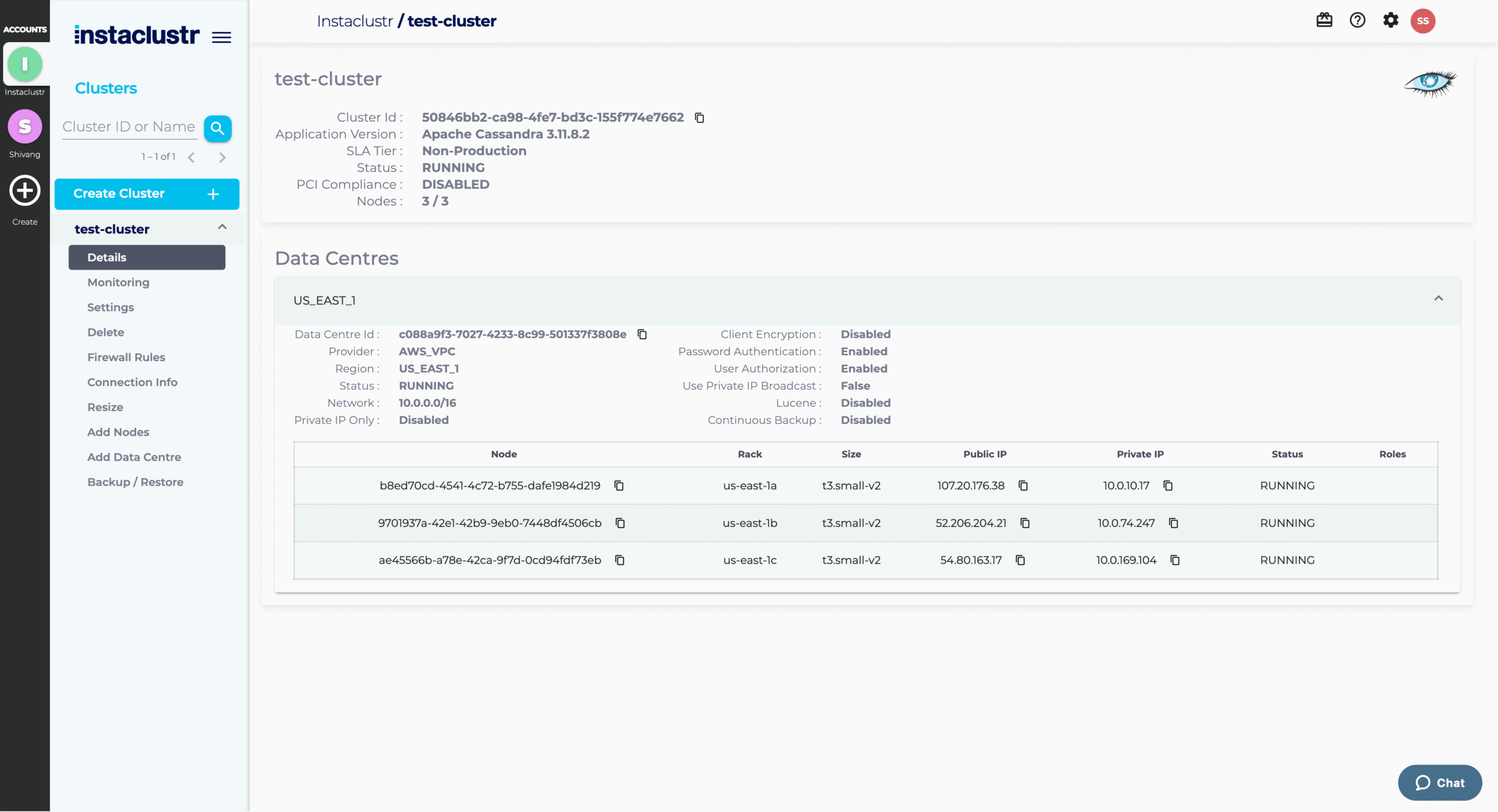
1. NetApp Instaclustr

NetApp Instaclustr runs PostgreSQL as a fully hosted and managed service across major cloud providers and on-premises data centers, offering 100% open source PostgreSQL with no proprietary features that would lock customers in. The service can run either in Instaclustr’s cloud account or in the customer’s account, and clusters are provisioned through a web console, a REST API, or a Terraform provider. Instaclustr customizes and optimizes each PostgreSQL configuration and handles continuous maintenance and version upgrades, backing the service with 24×7 support and a 99.99% availability SLA.
Key features include:
- Hybrid and Multi-cloud with data sovereignty: PostgreSQL can be deployed on major cloud providers or in on-premises data centers, and customers can choose to run clusters in Instaclustr’s cloud account or in their own account.
- Multi-region replication for high availability: The service can create read replicas in secondary regions and is backed by a 99.99% availability SLA.
- DevOps-friendly provisioning and monitoring: Clusters can be provisioned through a management console, a REST API, or the Terraform provider, with monitoring via a Prometheus API or REST-based integrations.
- pgbouncer connection pooling: The platform includes pgbouncer for connection management.
- pgvector for AI and vector workloads: Instaclustr supports the pgvector extension for storing and searching vector data in PostgreSQL.
- Security and compliance certifications: The service meets GDPR requirements and is SOC 2, ISO 27001, and ISO 27018 certified, with PCI-compliant cluster options available.
- Beyond-database platform integrations: PostgreSQL can be combined with other managed services like Kafka, ClickHouse, OpenSearch and Cadence providing a single partner for consistent, fully managed open source technologies.
Limitations (as reported by users on G2):
- Documentation could be easier to navigate: Reviewers indicate that finding guidance for some tasks can require additional searching.
2. Aiven

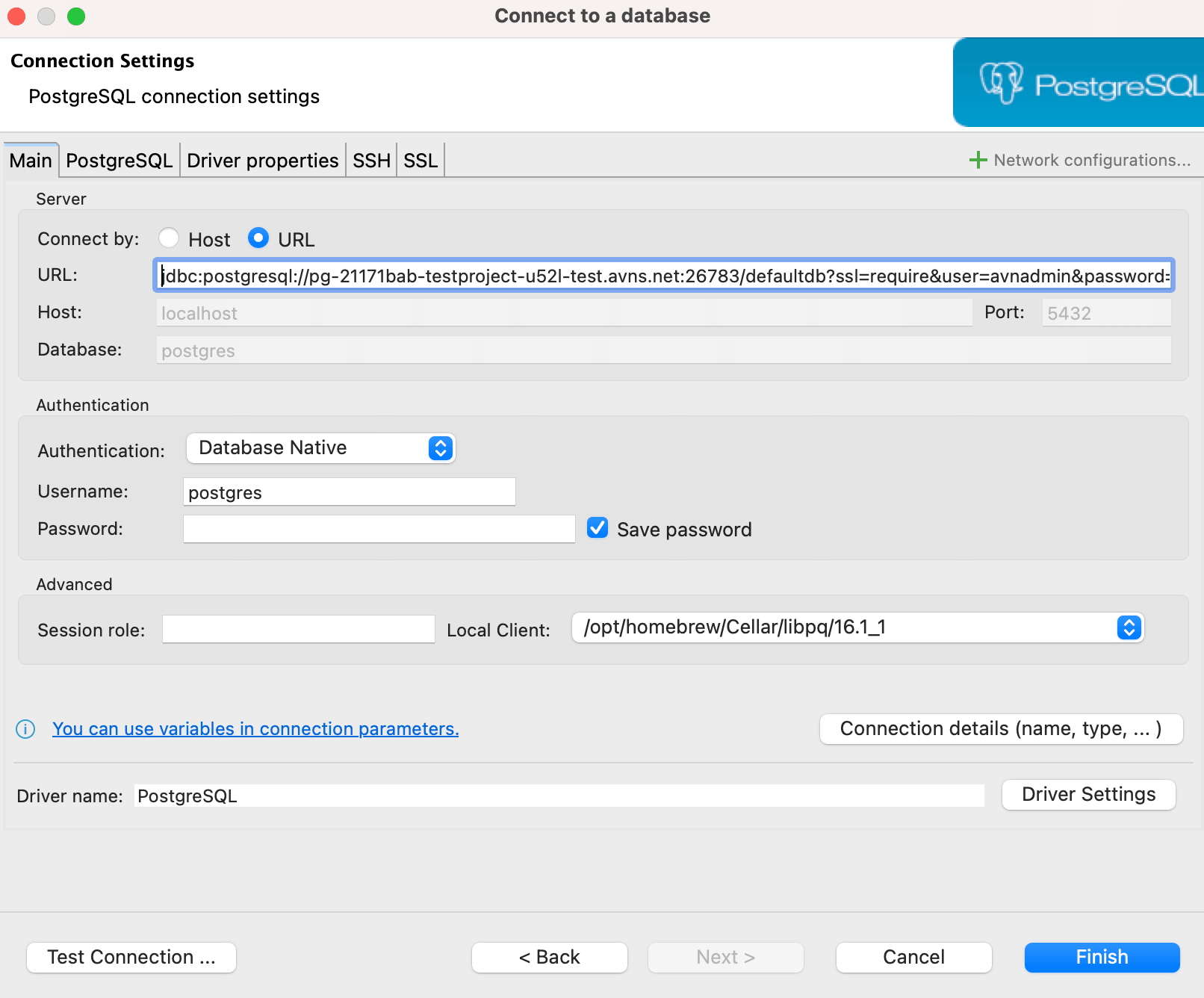
Aiven for PostgreSQL is a managed and hosted database service that automates setup, maintenance, patching, and scaling, and is backed by a 99.99% uptime SLA with automatic failover and point-in-time recovery. It runs on major cloud providers including AWS, GCP, and Azure, with support for multi-cloud architectures. The service supports more than 50 extensions and integrates with other open source services. Plans range from a free tier and a developer plan to startup and business tiers for production environments.
Key features include:
- Automated administration with failover and recovery: Aiven automates setup, maintenance, patching, and scaling with a 99.99% uptime SLA, automatic failover, and point-in-time recovery.
- Multi-cloud and data sovereignty support: Databases can be deployed across AWS, GCP, Azure, and other providers, including multi-cloud architectures.
- Broad extension support: The service supports more than 50 PostgreSQL extensions, including PostGIS, TimescaleDB, and pgvector.
- Intelligent query optimization: Aiven analyzes query structure, table characteristics, and indexing to suggest improvements.
Limitations (as reported by users on G2):
- Costs can escalate as usage grows: Some users report pricing increases as workloads scale.
- Limited control over certain configurations: Reviewers note that some settings are less customizable.
- Support response times can vary: Some users mention slower-than-expected responses.
- Adds another platform to operate: Some teams must manage Aiven alongside existing tooling.
3. Tiger Cloud
Tiger Cloud, from the team behind TimescaleDB (now Tiger Data, formerly Timescale), is a fully managed PostgreSQL service for production workloads at scale, including high-ingest and high-read time-series and analytical use cases. It pairs standard PostgreSQL with the TimescaleDB extension, so applications keep using familiar SQL, clients, and drivers while gaining automatic time- or ID-based partitioning, columnar compression, and continuous aggregates.
Key features include:
- Automatic partitioning with hypertables: TimescaleDB hypertables turn any Postgres table into a table that is automatically partitioned by time or ID, enabling fast ingest and predictable queries at large scale.
- Columnar compression and hybrid storage: The service supports row and columnar hybrid storage with compression of up to 95%, letting teams keep years of history online at a fraction of the cost while making analytical queries faster.
- Production-grade durability and recovery: Tiger Cloud provides a 99.9% uptime SLA for HA replicated services, more than 110,000 IOPS of single-volume read throughput synchronously replicated on every write.
- Built-in search on Postgres: Keyword (BM25), vector, and hybrid search run inside Tiger Cloud where the data already lives, removing the need for a separate search service, sync pipelines, or extra infrastructure.
- Marketplace availability and Postgres compatibility: Because TimescaleDB is a PostgreSQL extension rather than a fork, teams keep the same clients, drivers, and SQL, and the service is available through the AWS and Azure marketplaces for procurement.
Limitations (as reported by users on G2):
- Some enterprise capabilities still maturing: Users note that certain enterprise features, such as parts of disaster recovery, were still in development at the time of review.
- Resizing after large historical loads can be tedious: Reviewers report that sizing databases back down after an initial historical data load and compression can be a slow, manual process.
- Feature and region differences across editions: Some users found that the managed and cloud offerings do not provide identical functionality, and that certain useful features were not yet available in their region.
- Interface can feel heavy at scale: A few reviewers mention that the interface can feel heavy when working with large data volumes and that there is a learning curve to using the database’s full capabilities.

Tiger Data
Cloud Provider-Managed PostgreSQL Services
4. Amazon RDS for PostgreSQL

Amazon RDS for PostgreSQL is a managed relational database service that lets teams deploy scalable PostgreSQL in minutes with resizable hardware capacity, while RDS handles administrative tasks such as software installation and upgrades, storage management, replication, and backups. It gives access to the standard PostgreSQL engine, so existing code, applications, and tools work without modification, and it currently supports PostgreSQL versions 11 through 17.
Key features include:
- Managed deployment and patching: Production-ready PostgreSQL instances launch in a few steps from the AWS Management Console, preconfigured for the selected server type, with database parameter groups for fine-grained tuning.
- SSD-backed storage options: RDS provides General Purpose SSD storage for small to medium workloads and Provisioned IOPS storage delivering consistent performance of up to 40,000 I/O operations per second for high-performance OLTP applications.
- Automated backups and point-in-time recovery: Automated backups allow recovery of a database instance to any point in time within a retention period of up to 35 days, and user-initiated backups are stored until explicitly deleted.
- High availability and read replicas: Multi-AZ deployments provide enhanced availability and durability for production workloads, while read replicas make it easier to scale out beyond a single instance for read-heavy workloads.
- Network isolation and encryption: RDS provides network isolation using Amazon VPC, encryption at rest with keys created and controlled through AWS KMS, and encryption of data in transit using SSL.
- Trusted Language Extensions: With Trusted Language Extensions for PostgreSQL, teams can build high-performance extensions and run them safely on RDS using popular trusted languages without needing AWS to certify the code.
Limitations (as reported by users on G2):
- Costs can rise sharply at scale: Several users note that while initial costs seem reasonable, expenses can increase significantly as the application and database grow.
- Limited control over the server: Reviewers report less control over the underlying database server than they would like, which prevents some custom configuration; the absence of OS-level access can also break integrations that rely on installing custom agents for granular monitoring.
- Built-in monitoring could go deeper: Some users would like additional or more detailed monitoring and troubleshooting tools beyond what is provided.
- Scaling can be tricky for very large workloads: A few reviewers mention that scaling can be challenging for very large or demanding workloads.
5. Amazon Aurora PostgreSQL
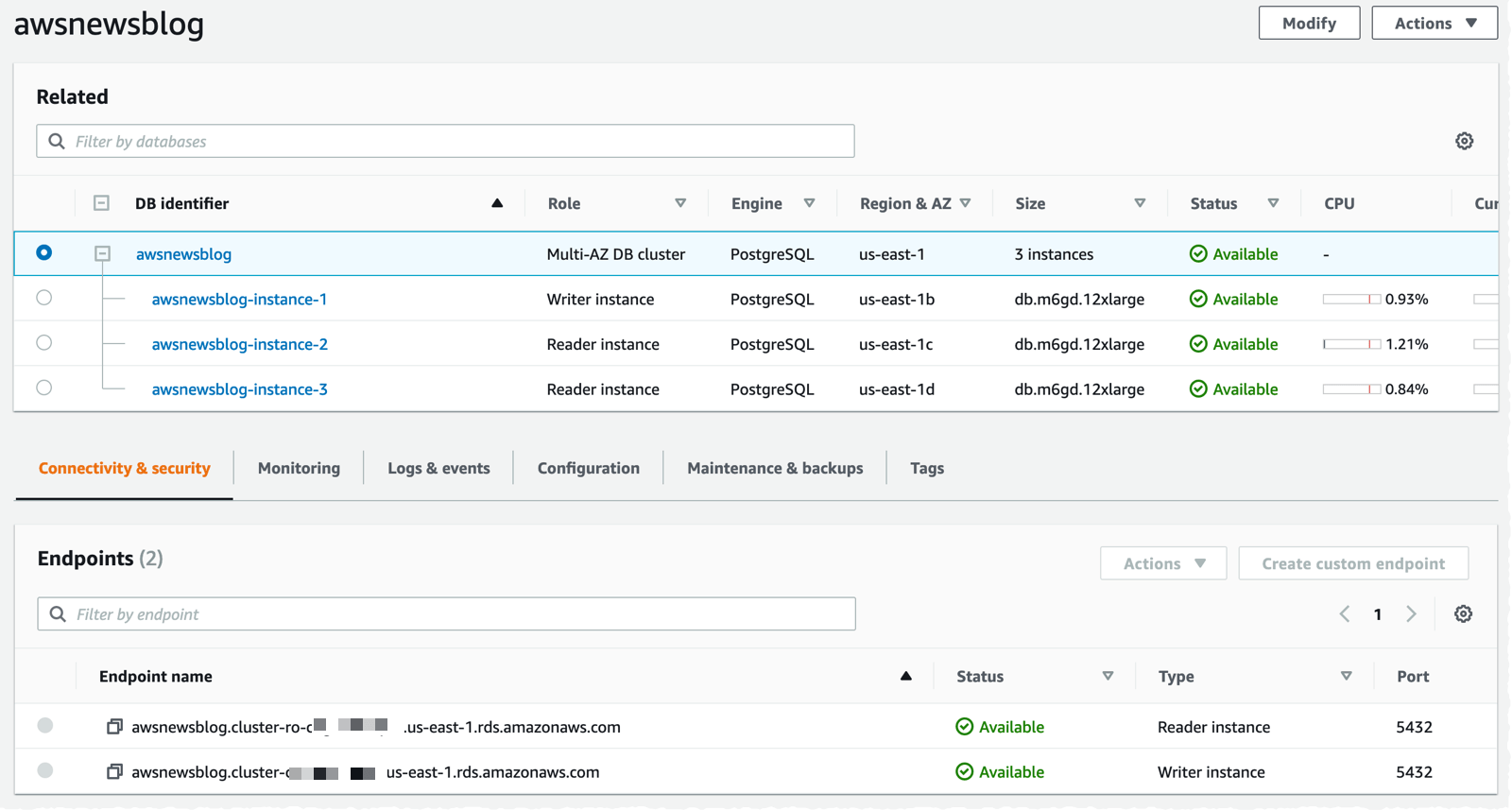
Amazon Aurora is a relational database service with PostgreSQL compatibility that is built for high performance and availability at global scale, offering up to six times the throughput of standard PostgreSQL. It is intended for zero infrastructure management, zero-downtime maintenance, and instant scaling, including serverless options where capacity scales automatically and customers pay only for the capacity consumed.
Key features include:
- High throughput and performance: Aurora is designed to power internet-scale applications with up to six times the throughput of standard PostgreSQL, using a distributed architecture that pushes work down to a fault-tolerant storage layer.
- High availability and durability: The service offers up to 99.99% single-region and 99.999% multi-region availability, with fault-tolerant distributed storage that ensures continuous data access and durability.
- Serverless and automatic scaling: Aurora can automatically scale to the demands of any workload and offers serverless options with hands-off capacity management, where customers pay only for the capacity consumed with fine-grained scaling.
- Continuous backups and read replicas: Aurora provides continuous backups and supports up to 15 read replicas, along with automated Multi-AZ failover to reduce downtime during maintenance.
- Built-in security and compliance: The service includes built-in security with integration to IAM, KMS, and VPC, along with auditing tools and broad compliance standards.
- Migration and SQL Server compatibility: Teams can migrate MySQL or PostgreSQL databases to and from Aurora using standard tools, and can run legacy SQL Server applications on Aurora PostgreSQL through Babelfish with minimal code change. s.
Limitations (as reported by users on G2):
- Costs can escalate quickly: Users note that expenses can climb rapidly with features such as provisioned IOPS, backup storage, and cross-region replication, requiring careful cost management.
- Learning curve across AWS options: Reviewers mention that the number of overlapping AWS database options can be overwhelming for newer users trying to choose between services.
- Cross-engine migration is not seamless: Some users report that migrating between engines, such as from Aurora MySQL to PostgreSQL, is not a straightforward process.
- Risk of vendor lock-in: A few reviewers note that heavily optimized applications can become tightly coupled to AWS-specific features.
6. Google Cloud SQL for PostgreSQL

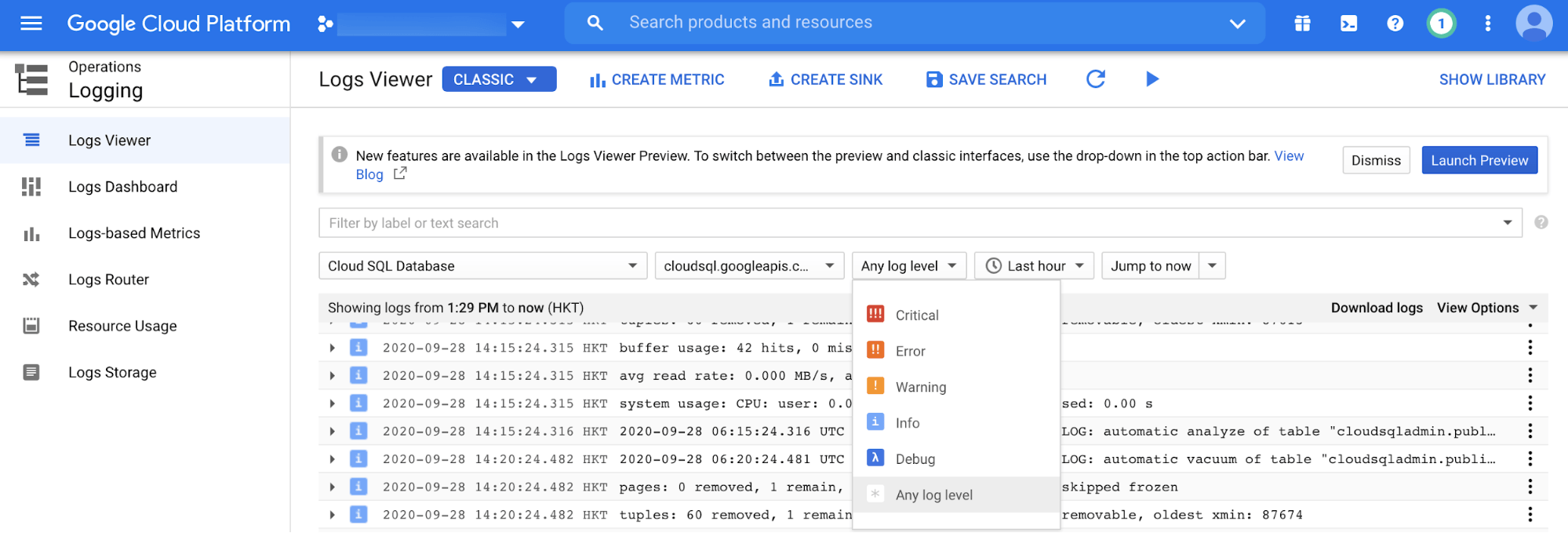
Google Cloud SQL for PostgreSQL is a fully managed relational database service that automates backups, failover, replication, encryption, patching, and capacity increases while maintaining greater than 99.95% availability. It supports all major PostgreSQL versions, the most popular extensions, and over 100 database flags, and lets teams continue using familiar tools such as pgAdmin.
Key features include:
- Fully managed operations: Cloud SQL automates backups, failover, replication, encryption, patching, and capacity increases while maintaining greater than 99.95% availability anywhere in the world.
- Flexible scaling: Flexible instance shapes let teams scale compute, storage, and memory independently, with the ability to add up to 96 processor cores, 624 GB of RAM, and 60 TB of storage.
- Backups and high availability: Automated daily backups and binary logging enable point-in-time recovery, with backups retained for up to one year, and high availability with automated failover provides recovery with zero data loss.
- Broad compatibility and tooling: The service supports all major PostgreSQL versions, the most sought-after extensions, and over 100 flags to optimize deployments.
- Security and compliance controls: Data is encrypted at rest and in transit with optional customer-managed encryption keys, and access is controlled through Cloud IAM database authentication, VPC, and firewall-based network controls.
- Built-in vector search and AI integration: Cloud SQL supports approximate and exact nearest-neighbor vector search through pgvector and offers LangChain integrations for document loading, vector stores, and chat message memory.
Limitations (as reported by users on G2):
- Pricing transparency and forecasting: Many users find billing difficult to understand and predict, noting that costs can rise quickly with storage and traffic and asking for clearer, more granular cost-forecasting tools.
- Limited configuration and tuning control: Reviewers report less control over advanced configuration and performance tuning than with self-hosted databases, along with requests for deeper, more granular performance and monitoring insights.
- Vertical scaling and maintenance downtime: Some users note that vertical scaling can require an instance restart and that upgrades and maintenance can cause brief downtime, with major version upgrades sometimes requiring more involved work.
- Connection and extension constraints: A few reviewers mention connection limits in certain configurations and limited support for some PostgreSQL extensions, which can restrict more advanced use cases.
7. Google AlloyDB for PostgreSQL
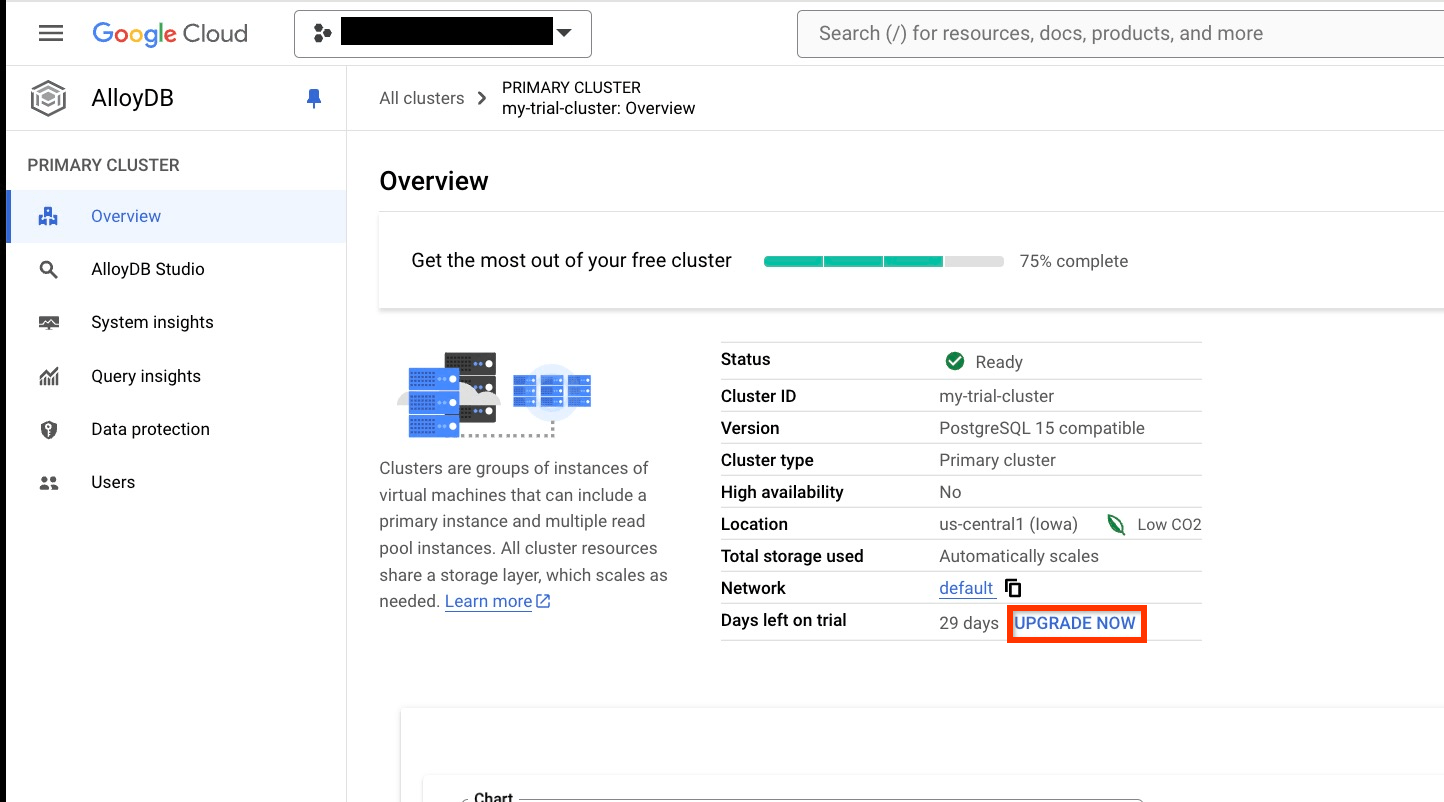
Google AlloyDB is a fully managed, PostgreSQL-compatible database service for demanding enterprise workloads, offering a 99.99% availability SLA inclusive of maintenance. It uses a disaggregated architecture that separates compute from an intelligent, database-aware storage layer, and Google reports it is more than four times faster than standard PostgreSQL for transactional workloads and up to 100 times faster for analytical queries through a columnar engine.
Key features include:
- Disaggregated, scalable architecture: AlloyDB separates compute from an intelligent storage layer and supports scaling instances up and down, deploying up read replicas in an autoscaling read pool, and creating secondary clusters in other regions.
- Columnar engine for analytics: A built-in, automatically managed columnar engine makes AlloyDB up to 100 times faster than standard PostgreSQL for analytical queries with no impact on operational performance.
- Fully featured vector database: AlloyDB AI uses the Google ScaNN index to deliver faster vector and filtered vector queries than standard PostgreSQL.
- High availability and recovery: The service offers a 99.99% uptime SLA inclusive of maintenance, automatically detects and recovers from most failures within 60 seconds.
- AI-driven development and operations: AlloyDB Studio offers a query editor where Gemini can help write SQL and analyze data with natural language, and Database Center provides a fleet view with performance and security recommendations.
- Runs anywhere with AlloyDB Omni: AlloyDB Omni is a downloadable edition powered by the same engine that runs in customer data centers, on laptops, at the edge, and in other clouds, providing the same functionality.
Limitations (based on publicly available sources):
- Brief downtime on vertical resizing: Independent analyses note that changing instance size on AlloyDB incurs a very brief downtime, although read pools can be added or removed without downtime.
- Less predictable networking costs: Pricing analyses point out that networking and egress charges are consumption-based, which makes them inherently less predictable than compute and storage costs, particularly for cross-region or global deployments.
- Proprietary, Google-only engine: While AlloyDB is PostgreSQL-compatible, reviewers note that the engine itself is proprietary and available only through Google Cloud’s commercial license, which can be a consideration for teams wary of lock-in.
- Single-instance scaling ceiling: One independent review observes that AlloyDB ultimately runs up against the limits of a single instance, suggesting it is well suited up to roughly a terabyte of data before a distributed database may be needed.
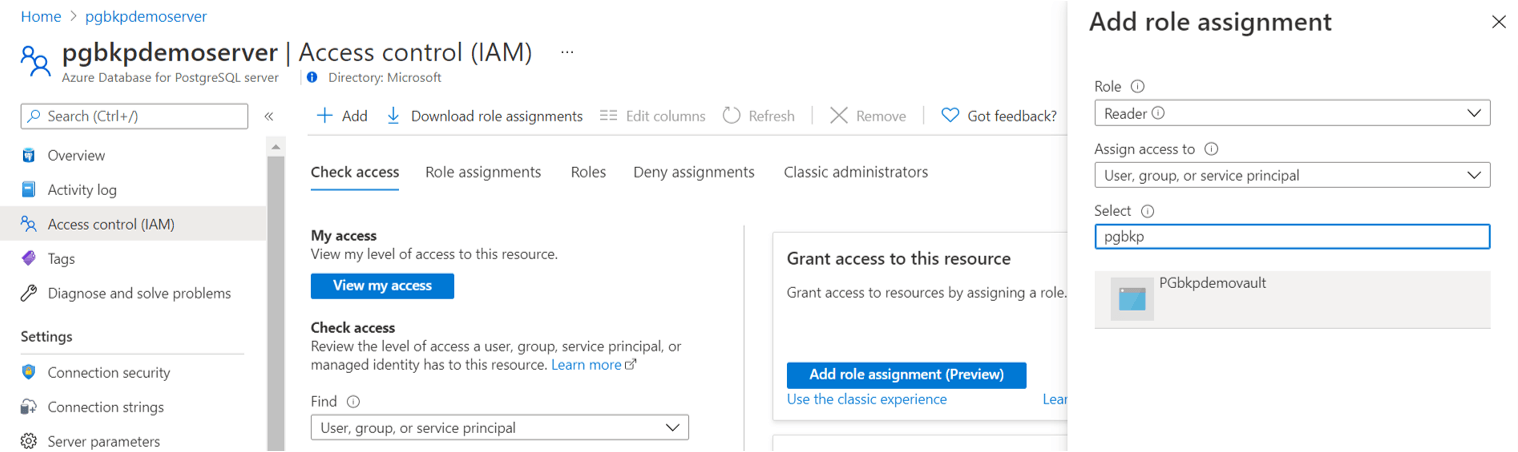
8. Azure Database for PostgreSQL

Azure Database for PostgreSQL is a fully managed, AI-ready PostgreSQL service that handles patching, backups, and failover automatically, with built-in zone-redundant high availability offering up to 99.99% availability. Its Flexible Server model lets teams scale compute and storage independently and pay only for what they use, with reserved-instance options for savings. The service is built on the open source PostgreSQL engine and maintains compatibility with PostgreSQL versions, extensions, drivers, and tools.
Key features include:
- Built-in high availability: The service provides built-in, zone-redundant high availability with up to 99.99% availability, and automatically handles patching, backups, and failover to keep applications resilient without complex architecture decisions.
- Independent compute and storage scaling: Flexible Server lets teams scale compute and storage independently and pay only for what they need, with pay-as-you-go or reserved-instance pricing.
- Integrated AI capabilities: The
azure_aiextension lets teams call large language models and build generative AI applications within the database, while pgvector enables vector similarity search. - Autonomous tuning: Azure Database for PostgreSQL uses machine learning algorithms to provide autonomous tuning and indexing recommendations, reducing manual intervention and operational risk while improving resilience.
- Migration tooling: The service supports online and offline migrations from on-premises environments, virtual machines, and other managed PostgreSQL services, with assessment tools and AI-assisted Oracle-to-PostgreSQL conversion.
- Security and ecosystem integration: Built-in security includes network isolation, enterprise identity management and access control, and data encryption in transit, in use, and at rest, backed by compliance certifications.
Limitations (as reported by users on PeerSpot):
- Stability under sudden load peaks: Users report that rapid spikes in database usage can cause crashes that require manual intervention, noting the absence of an auto-heal capability.
- Limited AI and RAG extensions: Reviewers note that the service offers vector search but lacks broader retrieval-augmented-generation extension support and functionality such as knowledge-graph capabilities.
- Replication and CDC performance: Some users feel that performance in mirroring and change data capture could be improved for their workloads.
- Average customer support: A few reviewers rate customer support as average and would like a more responsive experience.
9. DigitalOcean Managed PostgreSQL

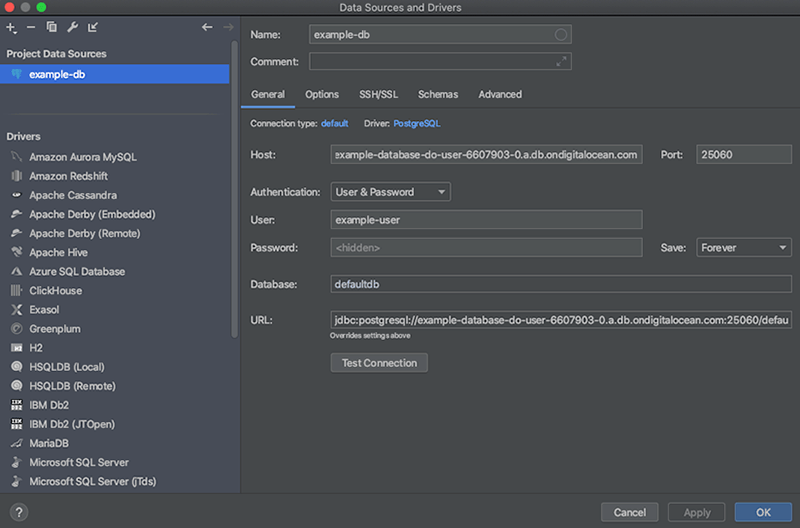
DigitalOcean Managed PostgreSQL is a fully managed database cluster service that handles setup, backups, and updates so teams can focus on building applications. Clusters launch in a few clicks through a simplified UI or API, support migration from another location with minimal downtime, and run on enterprise-class hardware, with the option of shared or fully dedicated vCPUs for mission-critical workloads. The service scales storage independently of CPU and memory up to 30 TB for PostgreSQL, with autoscaling for storage and the ability to add read-only nodes to scale read operations.
Key features include:
- Easy setup and migration: Database clusters launch with a few clicks and are managed through a simplified UI or API, and existing databases can be migrated from another location with minimal downtime.
- Independent storage scaling and read nodes: Storage scales independently of CPU and memory up to 30 TB for PostgreSQL, with autoscaling for storage to handle growing data automatically, and read-only nodes can be added to scale read operations.
- Daily backups with point-in-time recovery: The service performs automatic daily backups and allows restoring data to any point within the previous seven days, providing point-in-time recovery without manual backup management.
- Automated failover and high availability: All clusters include automated failover that detects and replaces degraded or failing nodes, and adding at least one standby node provides the redundancy needed for high availability.
- Integrated monitoring and alerting: Managed databases include database-level metrics such as connections, cache hit ratio, and sequential versus indexed scans, along with cluster resource metrics like CPU, memory, and disk usage.
- End-to-end security and predictable pricing: Databases run inside the account’s private network with only whitelisted public requests allowed, and data is encrypted in transit and at rest. Pricing is flat and predictable across data centers with monthly caps.
Limitations (as reported by users on G2):
- Cost jumps when scaling: Users note that the cost increase when adding more storage or a standby node to Managed Databases can feel steep.
- Limited deep analytics: Reviewers report that, while basic metrics are available, more in-depth insight into resource usage at the application or deployment level is missing.
- Fewer advanced enterprise controls: Some users mention that advanced capabilities common in larger cloud providers, such as deeper networking controls or managed enterprise-level services, are limited or require extra setup.
Developer-Focused and Serverless PostgreSQL Platforms
10. Supabase

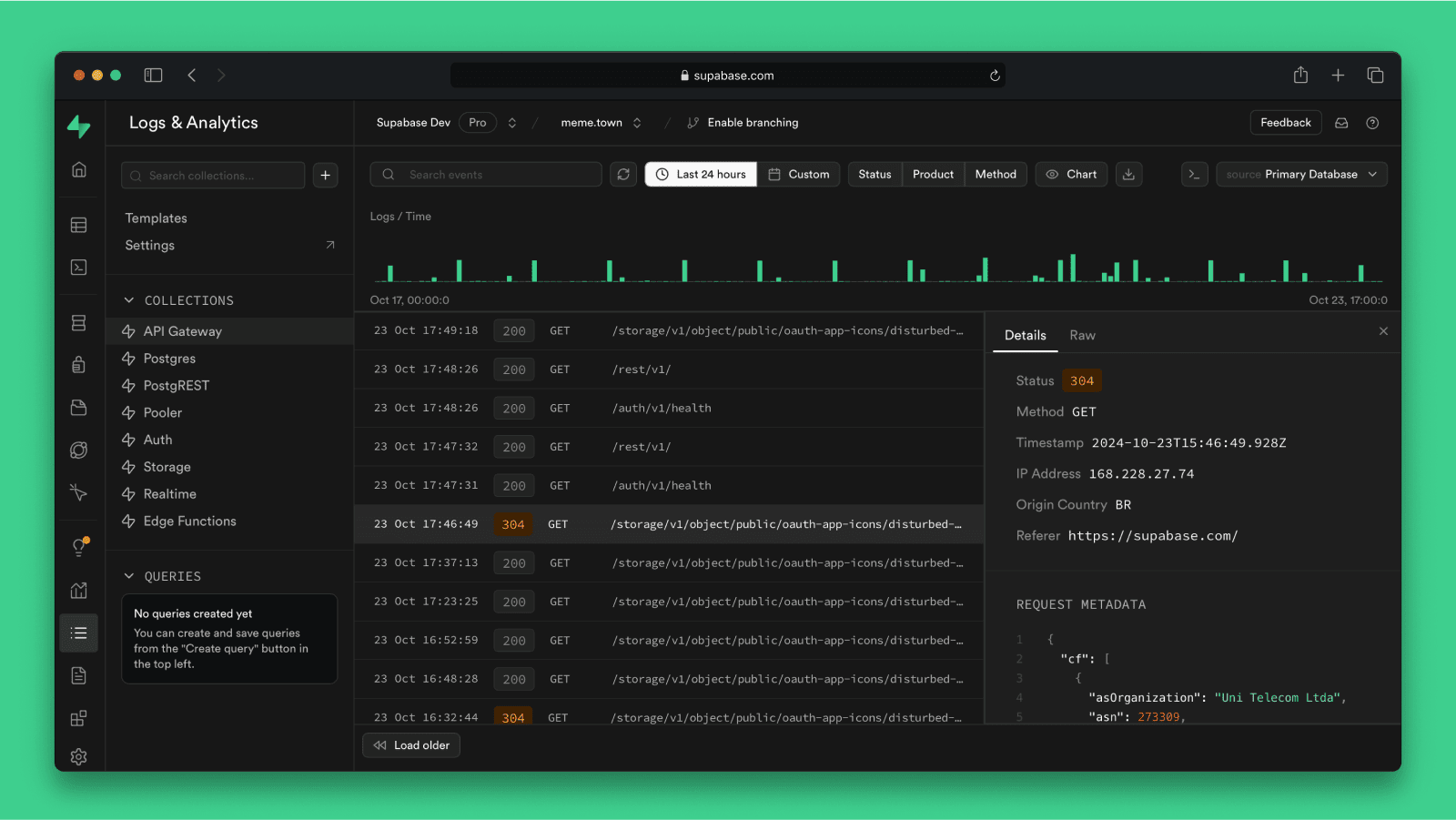
Supabase provides a dedicated PostgreSQL database for every project as the foundation of a broader development platform that also includes authentication, storage, real-time subscriptions, and edge functions. It is an open source platform built around standard Postgres, so projects are fully portable and teams can bring an existing Postgres database or migrate away at any time.
Key features include:
- Dedicated Postgres with portability: Every Supabase project is a dedicated PostgreSQL database that is portable, so teams can bring an existing Postgres database or migrate away.
- Row Level Security and instant APIs: Supabase secures data with PostgreSQL’s Row Level Security integrated with JWT authentication, controlling exactly what users can access, and introspects the database to provide instant RESTful APIs.
- Branching and read replicas: Database branching lets teams branch a project in sync with their git branches and manage previews from the dashboard, while read replicas serve data closer to users, provide redundancy, and distribute load.
- Backups and recovery: Supabase manages daily database backups for every project and offers point-in-time recovery on paid plans.
- Extensive extension support: The platform works natively with Postgres extensions, with more than 40 preinstalled and enabled through a single click, including pgvector for embeddings, PostGIS for geospatial data, and pg_cron for scheduled jobs.
- Integrated dashboard tooling and ETL: A table editor provides spreadsheet-like editing and table creation without SQL, a full SQL editor built on Monaco supports saved queries and CSV export, and Supabase ETL streams Postgres changes to external data warehouses and analytics platforms without building pipelines.
Limitations (as reported by users on G2):
- Advanced functionality limits as projects grow: Some users report that, as a project scales, they encounter limitations in certain advanced functionalities and in integration with other services.
- Storage and authentication maturity: Reviewers note that the storage and authentication systems can feel less mature compared with some other platforms.
- Backup retention window: A few users mention the backup retention window on lower tiers as an area they would like to see improved.
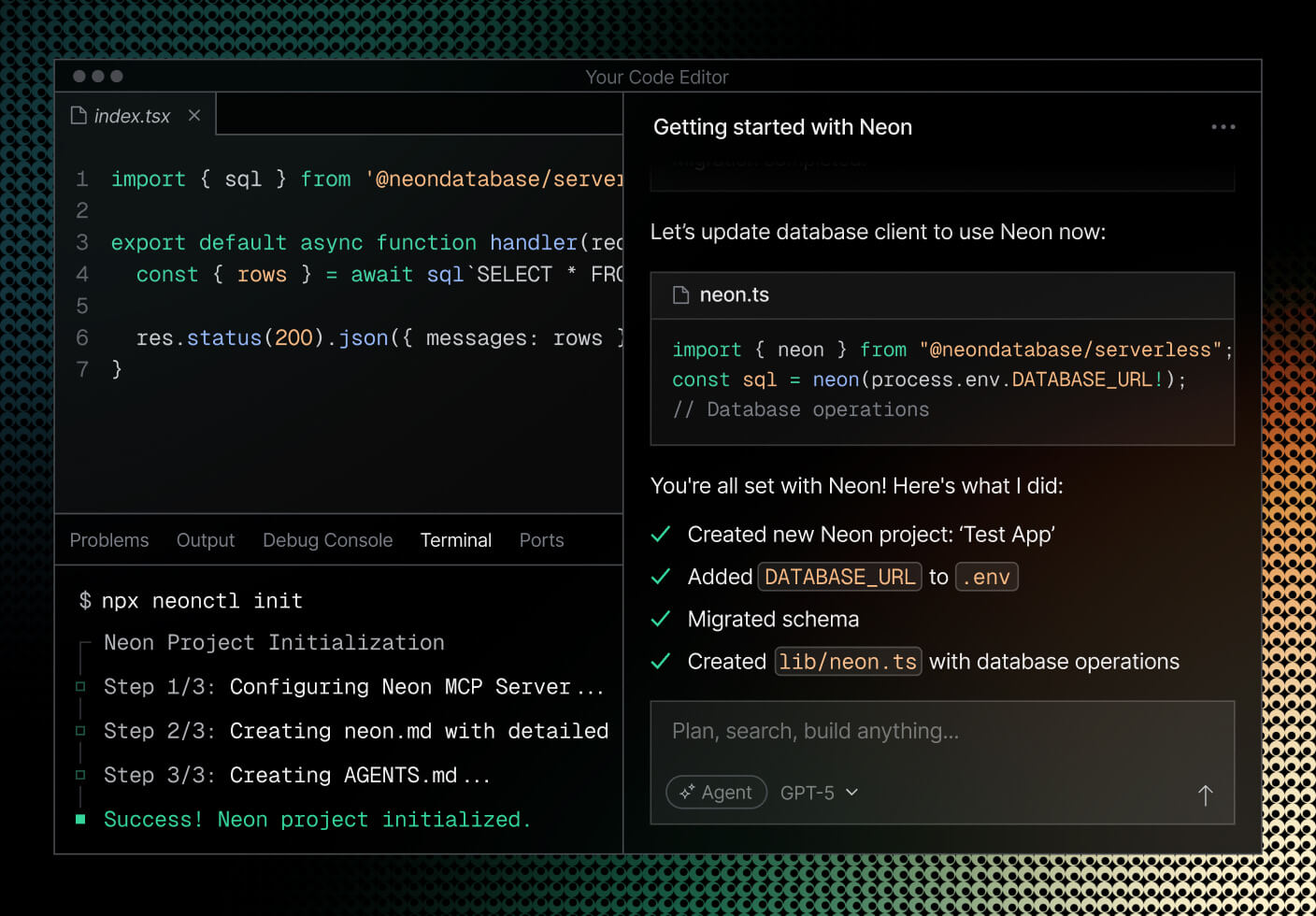
11. Neon
Neon is a serverless PostgreSQL platform, now a Databricks company, built on an architecture that separates storage from compute so that databases scale, branch, and suspend independently. Compute is stateless and automatically scales CPU, memory, and storage to fit the workload, suspending entirely after a period of inactivity so customers pay nothing for idle compute, then resuming on the next query.
Key features include:
- Separation of storage and compute: Neon’s architecture separates storage from stateless compute, automatically scaling CPU, memory, and storage to fit the workload.
- Advanced autoscaling and scale-to-zero: Compute scales automatically with load and suspends after a period of inactivity, so customers do not pay for idle compute, with the database resuming on the next query.
- Instant database branching: Copy-on-write branching creates editable copies of databases instantly, similar to git branching, saving space and time, with optional anonymization to mask sensitive data.
- Read replicas and instant restore: Neon provides autoscaling read replicas and instant point-in-time restore for recovery when mistakes happen, along with connection pooling to manage database connections efficiently.
- Built-in authentication and data API: Managed authentication with users and sessions stored in Postgres is built into the database, and a REST HTTP Data API is available.
- Enterprise-grade capabilities: Neon offers private networking through PrivateLink, logs and metrics export to Datadog or OpenTelemetry-compatible services, single sign-on, point-in-time recovery, HIPAA and SOC 2 compliance, and a 99.95% uptime SLA on the Scale plan.
Limitations (based on publicly available sources):
- Cold starts after idle: Independent reviews note that scale-to-zero introduces a cold-start delay on the first query after a database has been idle, which can be a concern for latency-sensitive applications that need consistently low response times unless compute is kept always-on.
- Added latency for write-heavy workloads: Because storage is disaggregated and writes travel over the network to a separate storage layer, reviewers report that write-heavy OLTP workloads can see slightly higher latency than local-disk PostgreSQL.
- Cloud-only with abstracted storage: Independent sources note that Neon is cloud-only with no on-premises or bring-your-own-cloud option and that storage internals are abstracted away, which can limit deep control and certain data-sovereignty or compliance scenarios.
- Primarily database-focused with a limited free tier: Some comparisons note that Neon is centered on the database itself rather than a bundled backend platform, and that the free tier’s storage allowance is modest for production use.
Neon
12. Heroku Postgres

Heroku Postgres is a managed PostgreSQL database service delivered as part of the Heroku platform, drawing on more than a decade of operating Postgres in the cloud and running millions of data stores. It is an add-on optimized for developers, handling uptime, maintenance, performance, backups, and compliance validation so teams can focus on their applications, with engineers available for support.
Key features include:
- Forks for cloning databases: Forking a database works like forking source code, cloning a database with a single command so teams can test schema migrations against a copy of production or run load tests against a forked environment.
- Followers for read scaling: Followers are read-only replicas that stay up to date with changes and can be queried, providing horizontal scalability by distributing read traffic without the traditional difficulty of setting up and maintaining replication. T
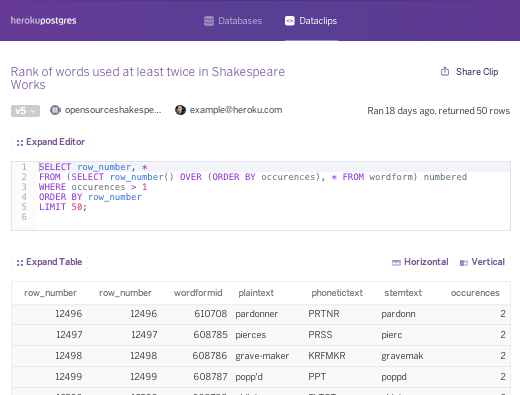
- Dataclips for sharing insights: Dataclips let anyone on a team who knows SQL create reports against live production data and securely share the results through a unique URL, without complex dashboards or analytics tools.
- Continuous protection and rollbacks: Continuous protection automatically replicates every write to highly durable storage in multiple data centers, so a live database can be rebuilt in minutes after a failure, and the rollback feature restores a new database instance from a point before a problem occurred.
- Automated health checks and managed operations: Automated health checks monitor databases around the clock, with Heroku’s managed PostgreSQL experts overseeing the fleet and automated processes restoring databases to health.
- Security and compliance with trusted integration: Heroku Postgres is built for security in line with industry standards, and Heroku Shield Postgres delivers PCI and HIPAA compliance for regulated industries.
Limitations (as reported by users on Gartner Peer Insights):
- Pricing at scale: Users note that once the free tier expires the platform can become expensive, which some find cost-inefficient for their business as usage grows.
- Connection limits: Reviewers report that Heroku imposes limits such as a maximum number of connections, which can be a constraint for applications with heavy database usage.
- Performance versus self-managed Postgres: Some users feel that performance can trail a Postgres instance they install and optimize themselves.
13. PlanetScale Postgres

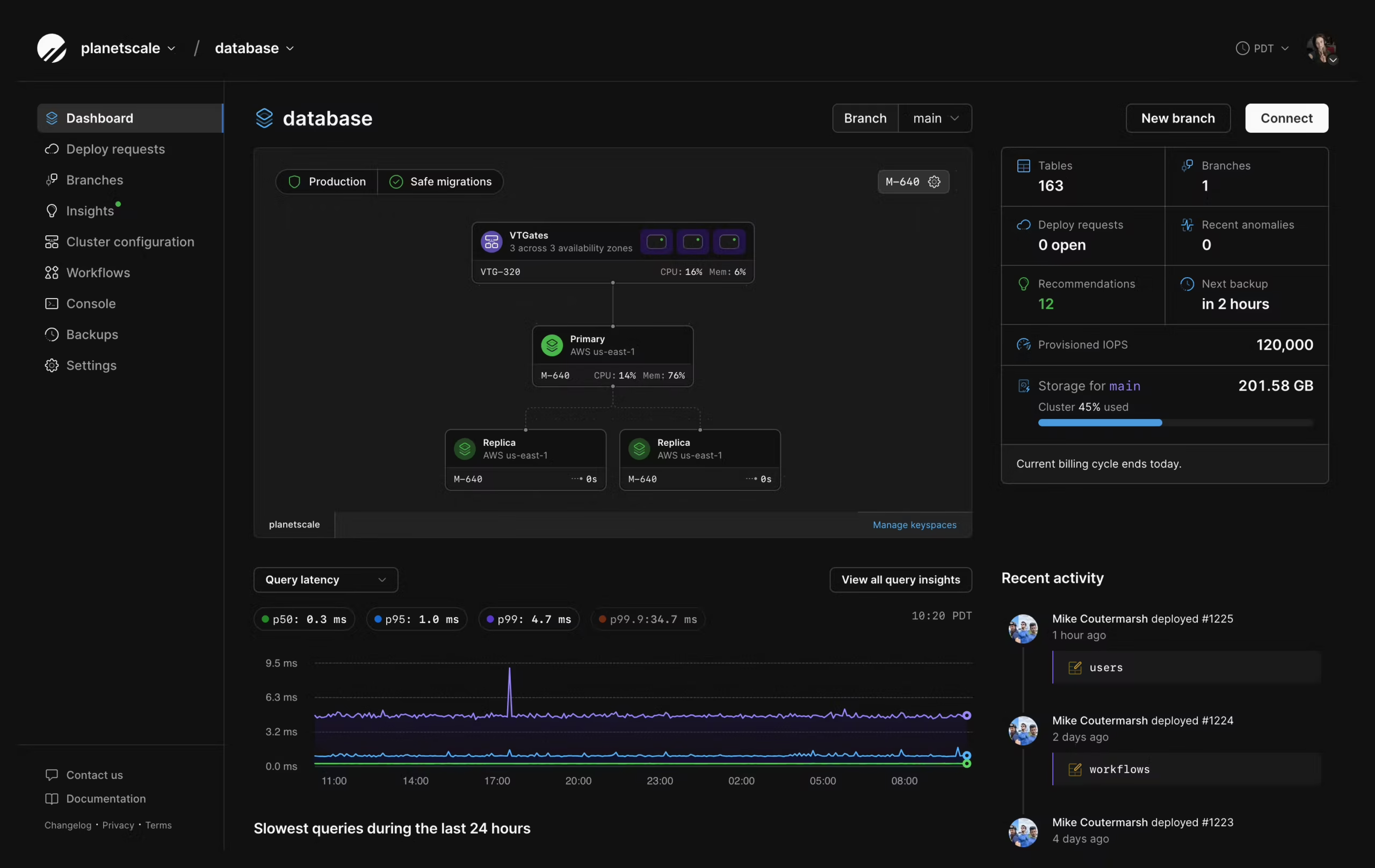
PlanetScale Postgres provides fully managed, high-availability PostgreSQL database clusters across AWS and GCP, with single-node plans starting at $5 per month. Its high-availability architecture distributes a cluster across three availability zones with one primary and two replica instances by default, and a custom Kubernetes operator monitors instance health and automatically promotes a replica if the primary fails, typically completing failover in under 30 seconds.
Key features include:
- High-availability architecture: A PlanetScale Postgres HA cluster is automatically distributed across three availability zones with one primary and two replicas, and a custom Kubernetes operator monitors all instances and promotes a replica to primary on failure.
- Metal NVMe storage: PlanetScale Metal runs databases on locally attached NVMe SSDs for low latency and high IOPS, with network-attached storage available as an alternative.
- Database branching: Branching creates isolated database environments from production backups, including cost-optimized single-instance branches for development.
- Query Insights: Query Insights automatically detects performance anomalies and provides query execution-plan analysis and recommendations.
- Guided migrations: PlanetScale provides guided zero-downtime migration tools for all providers, along with hands-on support from migration specialists.
- Database Traffic Control: This capability lets teams enforce flexible resource budgets on Postgres query traffic to protect the database from runaway queries and unexpected load spikes.
Limitations (based on publicly available sources):
- No free tier: Independent reviews note that the former free Hobby tier has been discontinued, removing a zero-cost path for evaluation and side projects that some competitors still offer, and that production-grade high-availability clusters cost meaningfully more than entry pricing.
- Pricing can be hard to anticipate: Reviewers report unexpected bills on small clusters and note that the usage-based model can require ongoing attention to keep costs predictable.
- Relatively new Postgres offering: The PlanetScale Postgres product became generally available in 2025, so its track record and ecosystem maturity are less established than those of long-running managed Postgres services.
- Sharding still maturing for Postgres: PlanetScale’s Postgres sharding solution (Neki) is still in development, so horizontal sharding is not yet generally available for the Postgres product.
Conclusion
Managed PostgreSQL services help organizations run PostgreSQL in production without managing the underlying infrastructure themselves. By providing automated backups, high availability, security controls, monitoring, scaling, and maintenance, these platforms reduce operational complexity and lower the burden on engineering teams. When evaluating providers, organizations should focus on factors such as PostgreSQL version support, extension compatibility, backup and recovery capabilities, performance options, security features, and service reliability.
