AWS Marketplace
Table of Contents
Sign Up
Go to our AWS Marketplace product listing or click the “Buy with AWS” button on the sign up page and subscribe.
If you already have an Instaclustr account and wish to link your AWS marketplace subscription to it, ensure that you are signed in before clicking “Set up your account” from AWS marketplace .
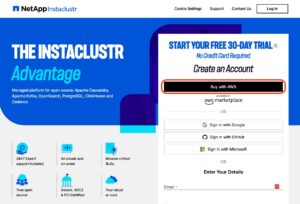
If you are logged in, you will be asked to create an account under your logged in user which will be tied to your AWS marketplace subscription.

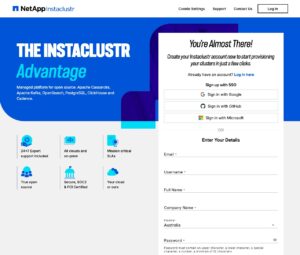
If you are not signed into the Instaclustr console, and/or do not have an existing Instaclustr account, you will be directed to sign up. Fill in your details and create an Instaclustr account linked to your AWS marketplace subscription:
Billing
All cluster and add-on costs are displayed in “Standard Node” units. Consult the product listing pricing for conversion to USD. The charges for the usage of our services will be included in your monthly AWS bill.
Unsubscribe
You can unsubscribe via AWS Marketplace at any time. When you do all the clusters in the account will be deleted.
Limitations
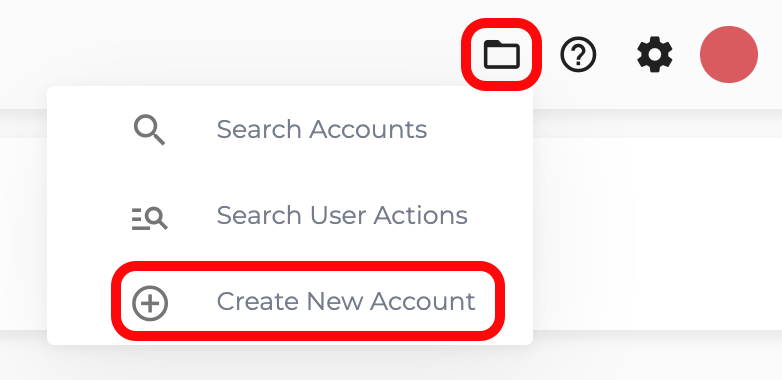
You can only create clusters on AWS infrastructure. To use other supported providers you can create a new account which is not linked to your AWS subscription (you will need to provide credit card details):