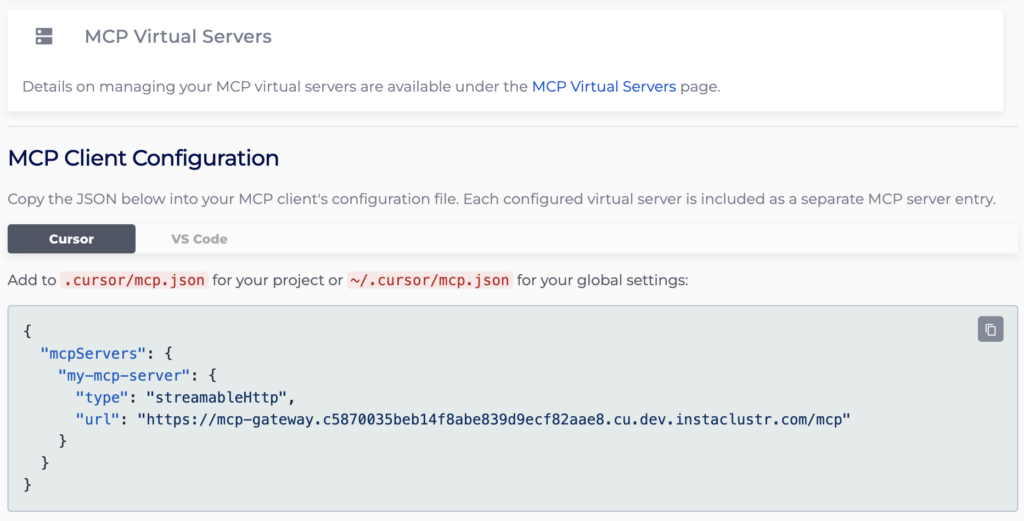
Connecting to an MCP Gateway Virtual Server
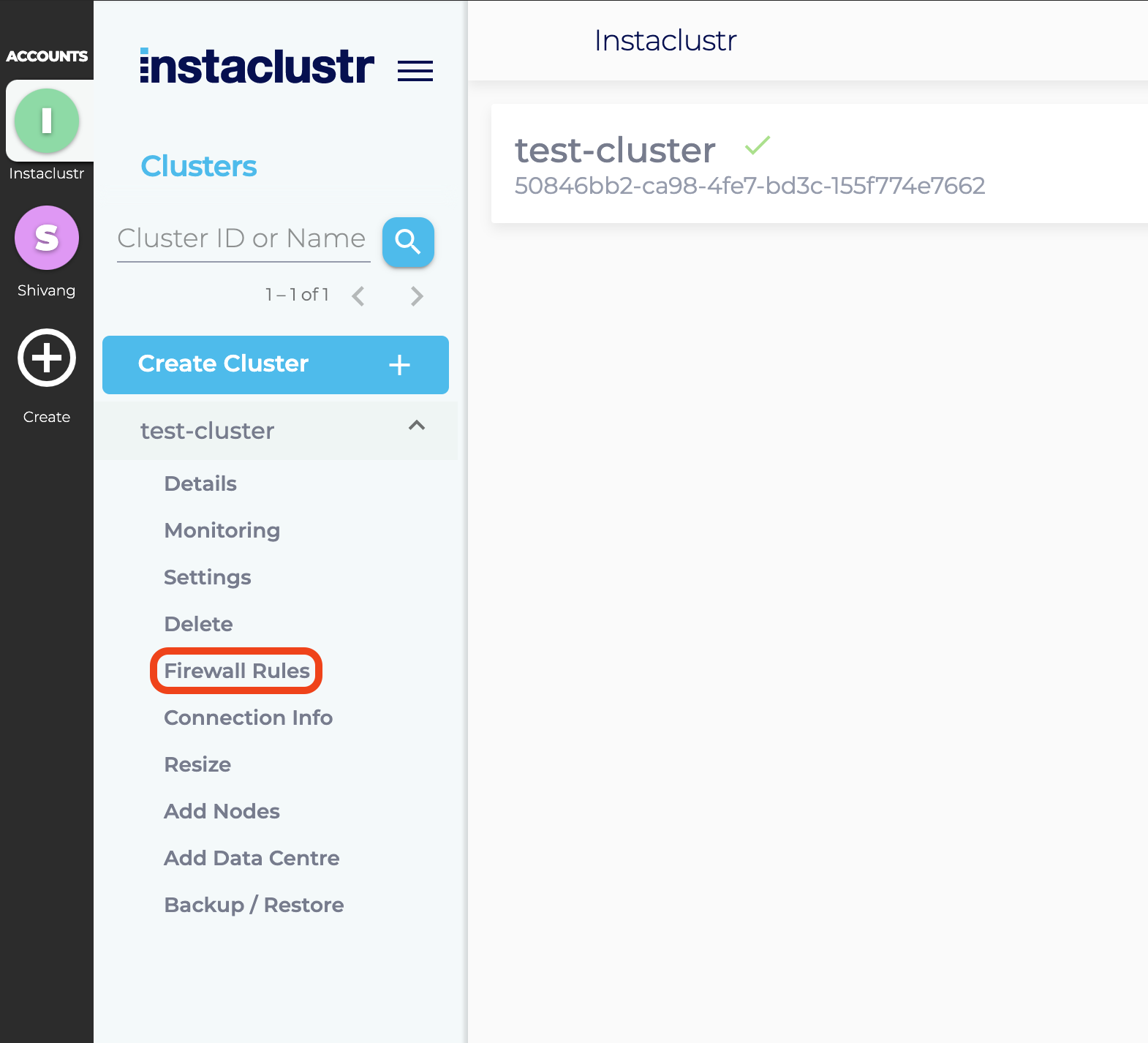
- Instaclustr manages the firewall permissions for the nodes in your cluster. Each cluster node only allows connections from one or more trusted IP addresses. You can add one or more trusted IP addresses to the cluster firewall by clicking on Firewall Rules from the sidebar.
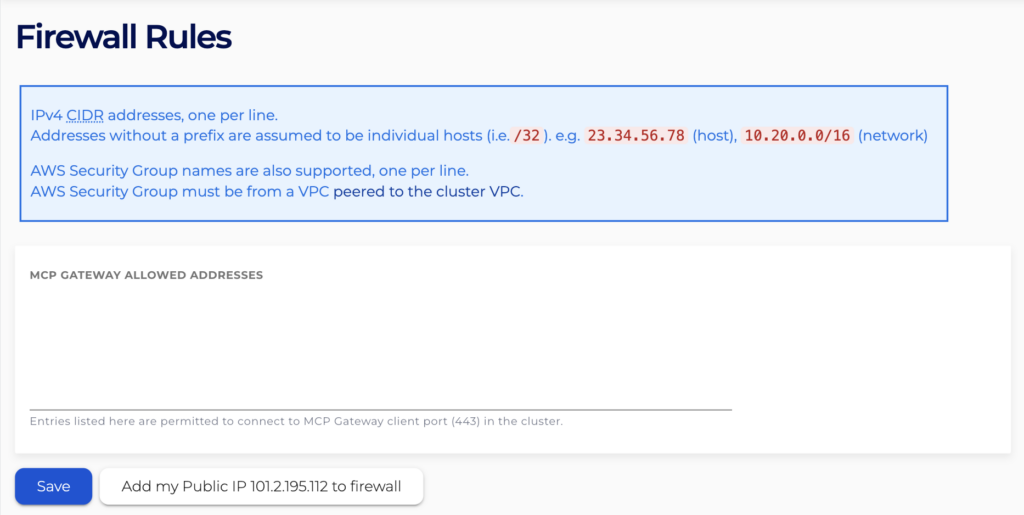
- Under the Firewall Rules section, enter any additional IP addresses you wish to trust to the MCP Gateway Allowed Addresses list.
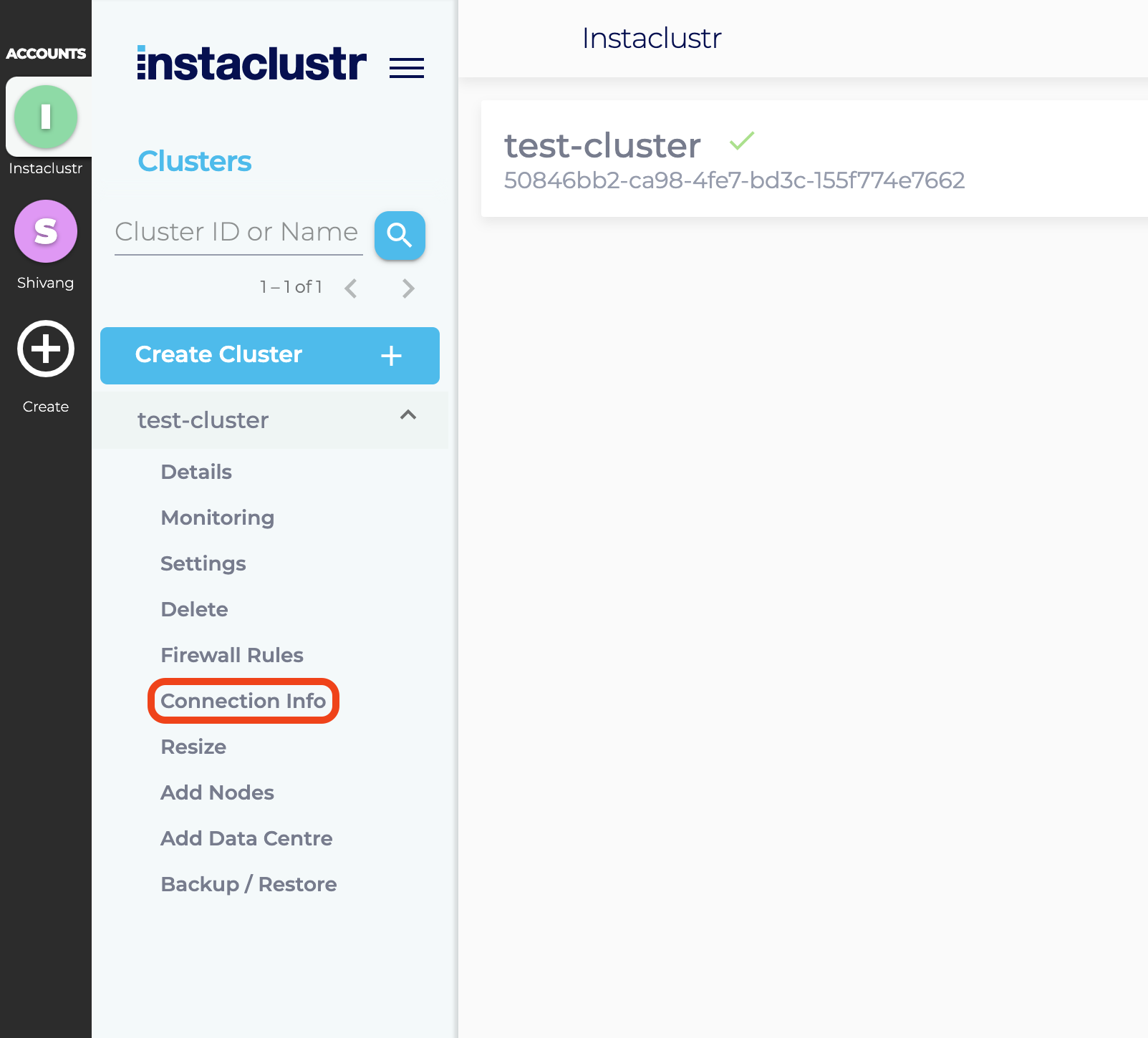
- Instaclustr provides connection information and examples on the Connection Info page which can be accessed by navigating to the Connection Info tab from the sidebar.
- The Connection Info page contains a list of your node addresses, virtual server URLs and a few connection examples for popular clients.