Configure MCP Tool Access
MCP Gateway supports tool-level authorisation control for Personas per MCP Virtual Server. MCP tool access control requires OAuth to be configured on the MCP Virtual Server as well as specific Identity Provider configuration.
To configure MCP tool access click “Create Access Control List” button on the MCP Virtual Server details page.
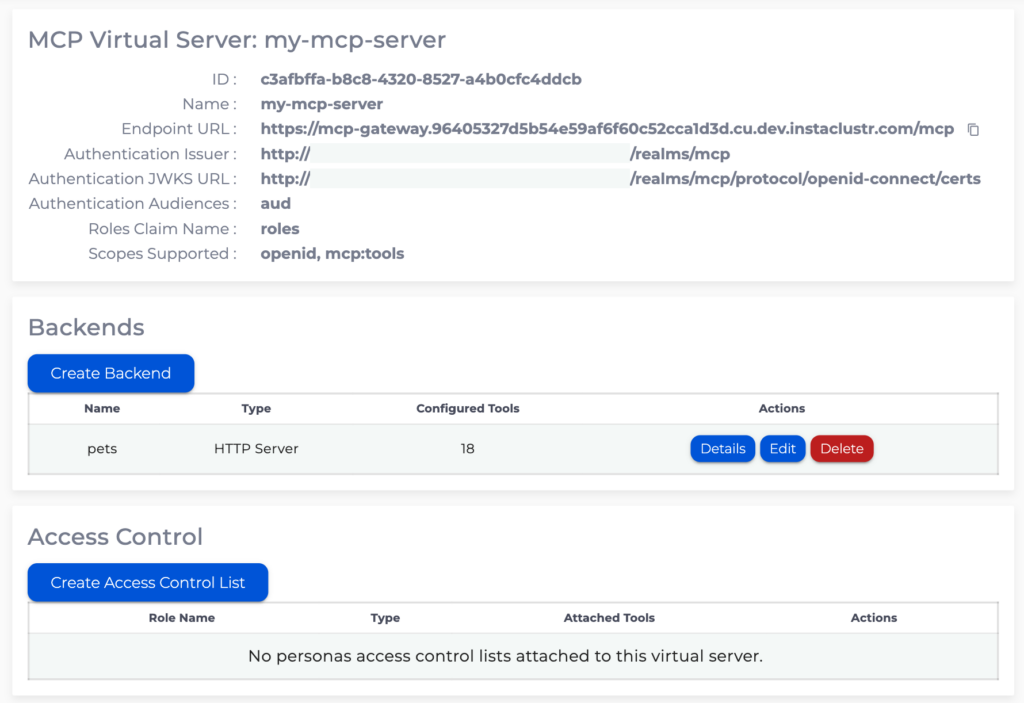
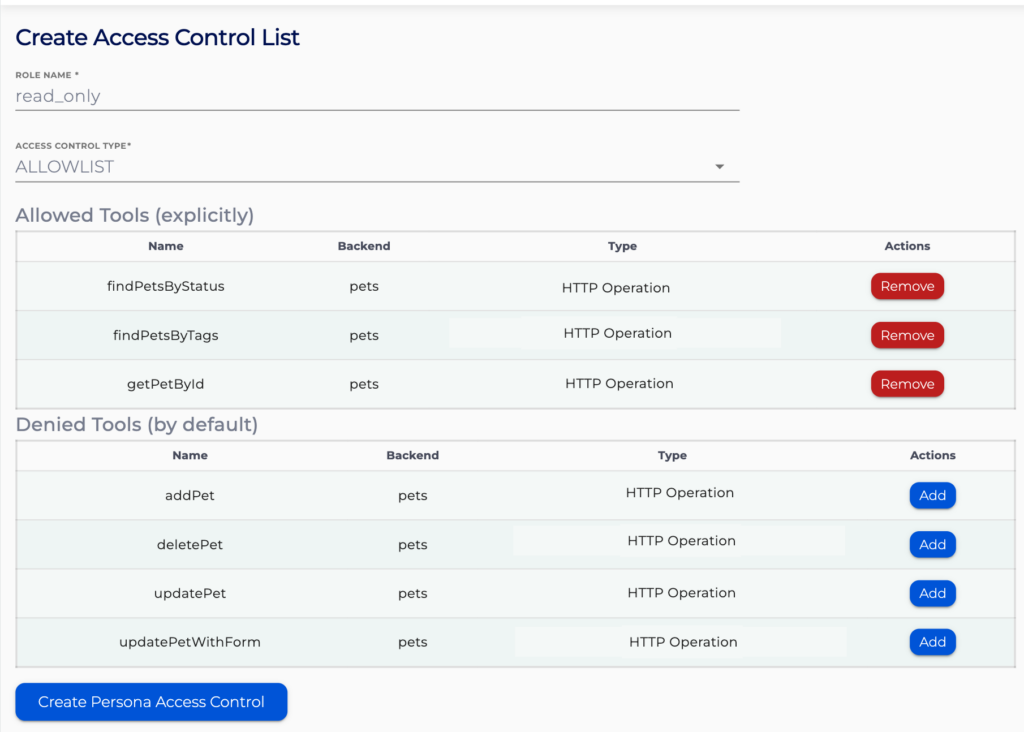
Here you can create two types of access control lists – Allowlist and Denylist. Allowlist explicitly gives the specified role access to specified tools, it denies all access by default. Denylist allows all access by default and explicitly denies access to specified tools. Role name will be matched against the values of the claim in the access token configured with “Roles Claim Name” in the MCP Virtual Server OAuth.