


Configure Kafka MCP Backend and Tools
Kafka MCP Backend
To create a Backend for MCP Virtual Server go to MCP Virtual Server details page and click “Create Backend”
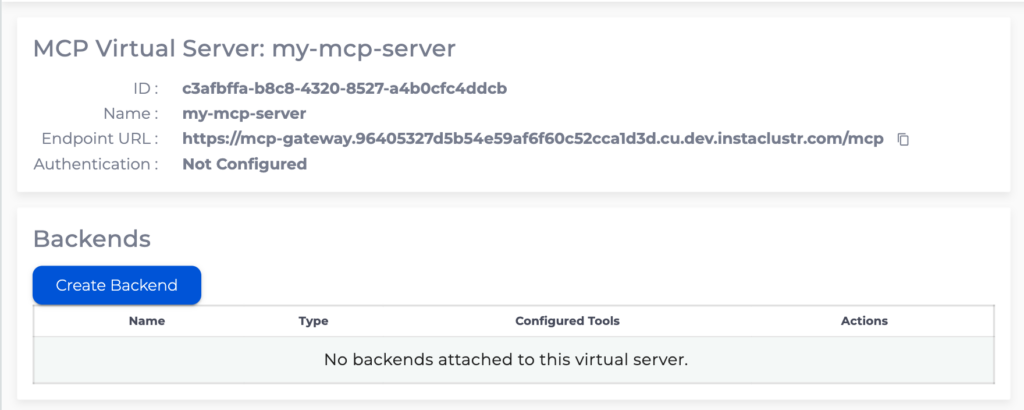
Kafka backend allows configuration of MCP tools operating on data in a Instaclustr Kafka cluster.
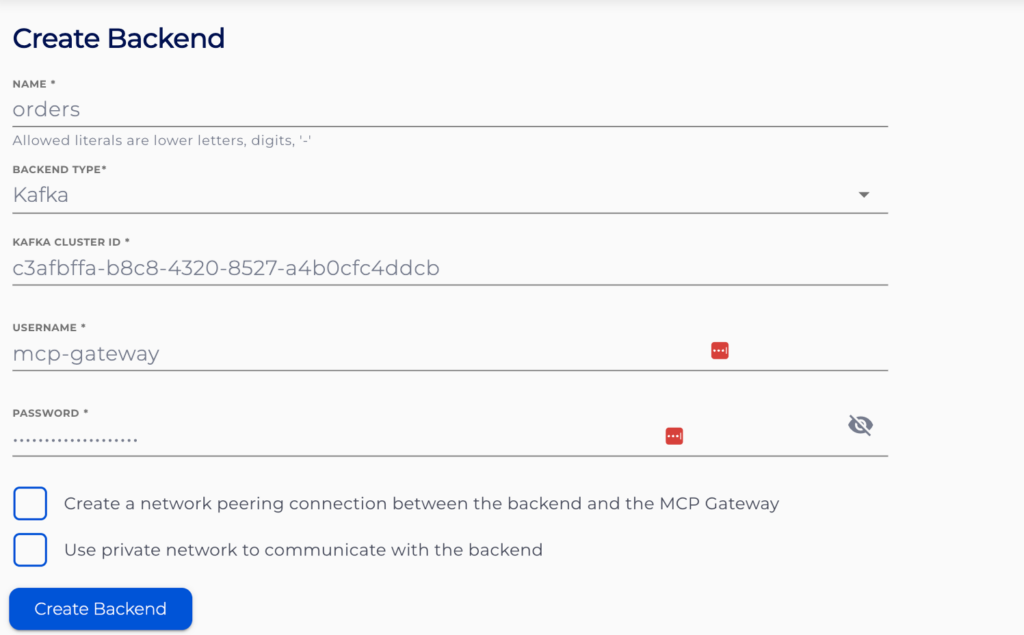
Specify the name for the backend, note that this name will be prepended to all the tools configured for this backend.
Provide a Kafka cluster ID and credentials that MCP Gateway will use authenticate to the Kafka cluster. Follow Creating an Apache Kafka Cluster to create a Kafka cluster, and Managing Apache Kafka Users on how to create a Kafka cluster user. Additionally follow Managing Apache Kafka ACLs to ensure the user has only the privileges required.
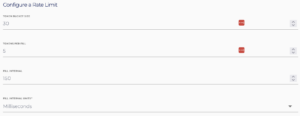
Rate limits can also be set on the backend during and after creation. Configuration is specified for a token-bucket approach using a throughput of requests per time unit and a maximum burst size. We strongly recommend setting a rate limit on your backend, however it is not required. Leaving the form fields blank will not set any rate limit.
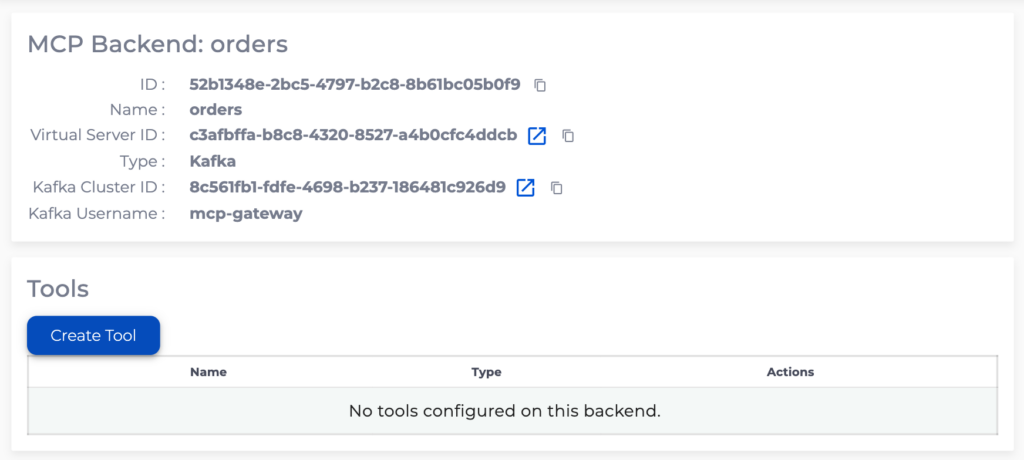
To create Kafka tools go to Kafka backend details page and click “Create Tool”
Consume Recent tool
Consume recent tools will read data from the pre-configured topics going back pre-configured number of seconds in the past.
Specify the name and description for the tool. These should provide information about the tools indented use and effects.
Provide a comma-separated list of topics for the tool to retrieve data from and the consume period in seconds.
Message description can optionally describe the content of each individual record.
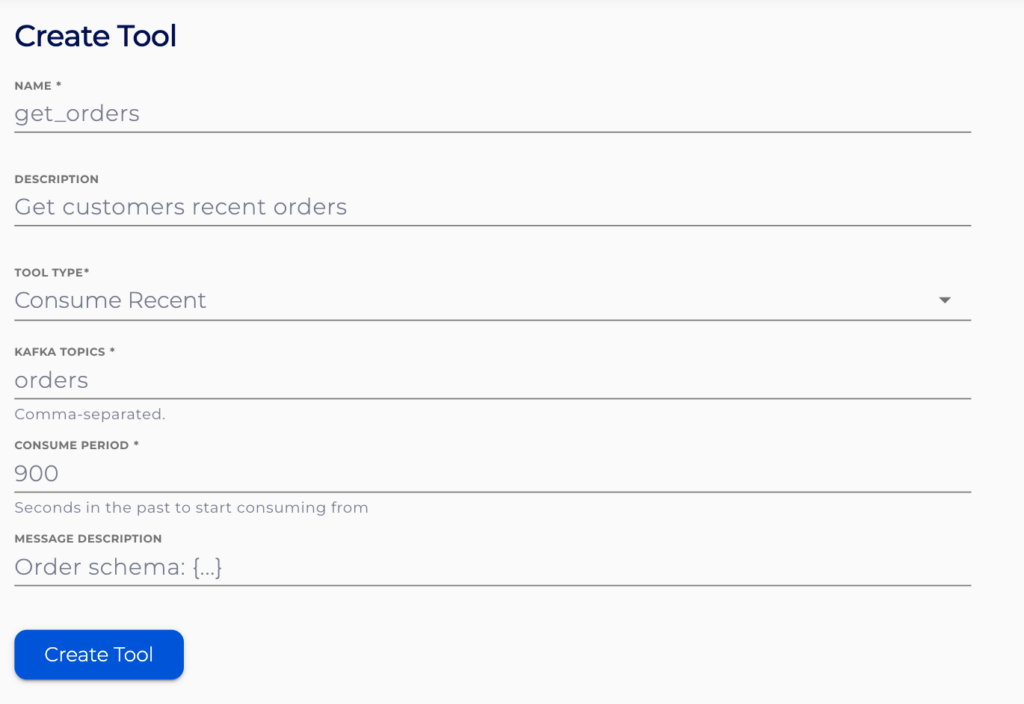
You can optionally specify a rate limit for the tool configured as a token-bucket using a throughput of requests per time unit and a maximum burst size. Leaving the form fields blank will not set any rate limit. Tool rate limits override backend rate limits and tools with their own rate limits are excluded from contributing to backend rate limits.
Publish Message tool
Publish Message tool will publish a message to the pre-configured topic.
Specify the name and description for the tool. These should provide information about the tools indented use and effects.
Provide the topic name to publish to.
Message description should describe the structure of the message as precisely as possible. For JSON messages user JSON schema specification.
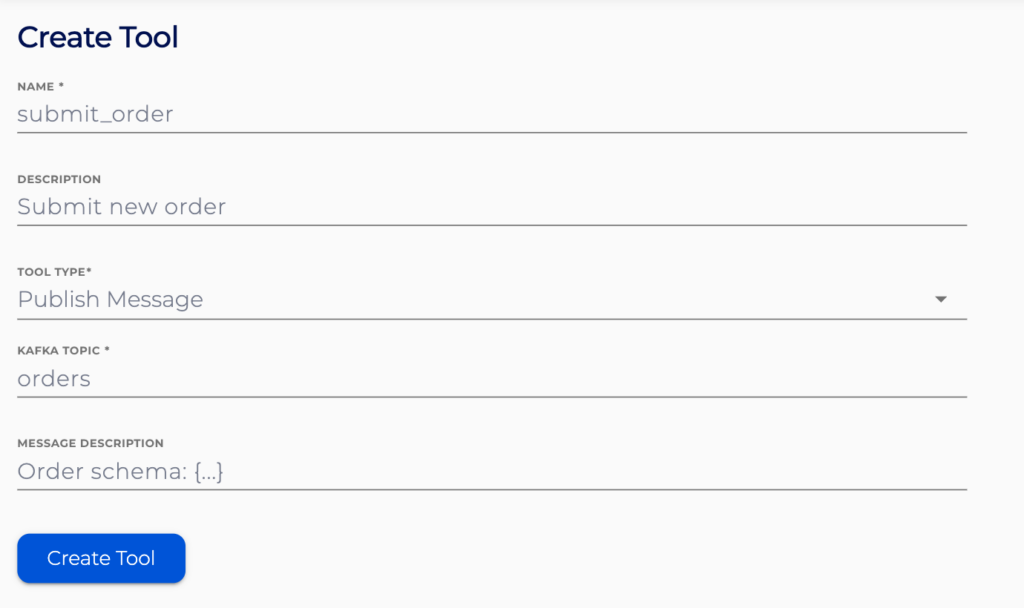
You can optionally specify a rate limit for the tool configured as a token-bucket using a throughput of requests per time unit and a maximum burst size. Leaving the form fields blank will not set any rate limit. Tool rate limits override backend rate limits and tools with their own rate limits are excluded from contributing to backend rate limits.
