


Configure OpenSearch MCP Backend and Tools — DRAFT
OpenSearch MCP Backend
To create a Backend for MCP Virtual Server go to MCP Virtual Server details page and click “Create Backend”
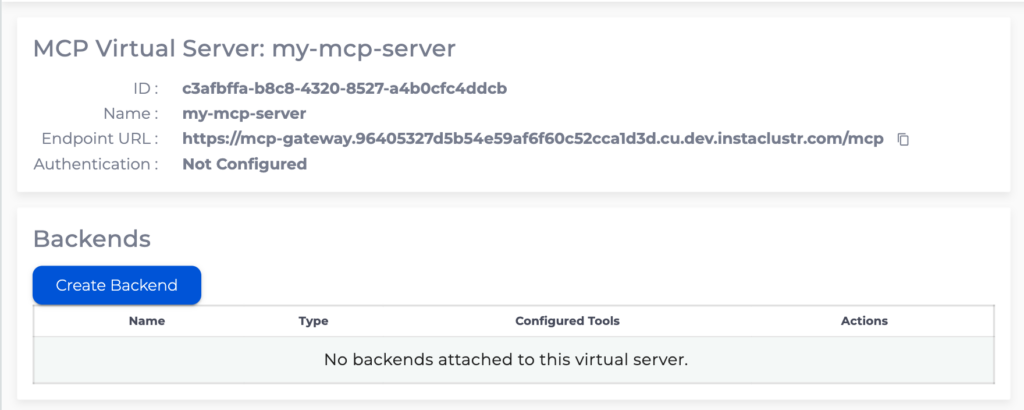
OpenSearch backend allows configuration of MCP tools operating on data in an Instaclustr OpenSearch cluster.
Specify the name for the backend, note that this name will be prepended to all the tools configured for this backend.
Provide a OpenSearch Cluster ID and credentials that MCP Gateway will use to authenticate to the OpenSearch cluster. Follow Creating an OpenSearch Cluster to create an OpenSearch cluster, and OpenSearch Access Control on how to create a OpenSearch user and ensure the user has only the privileges required.
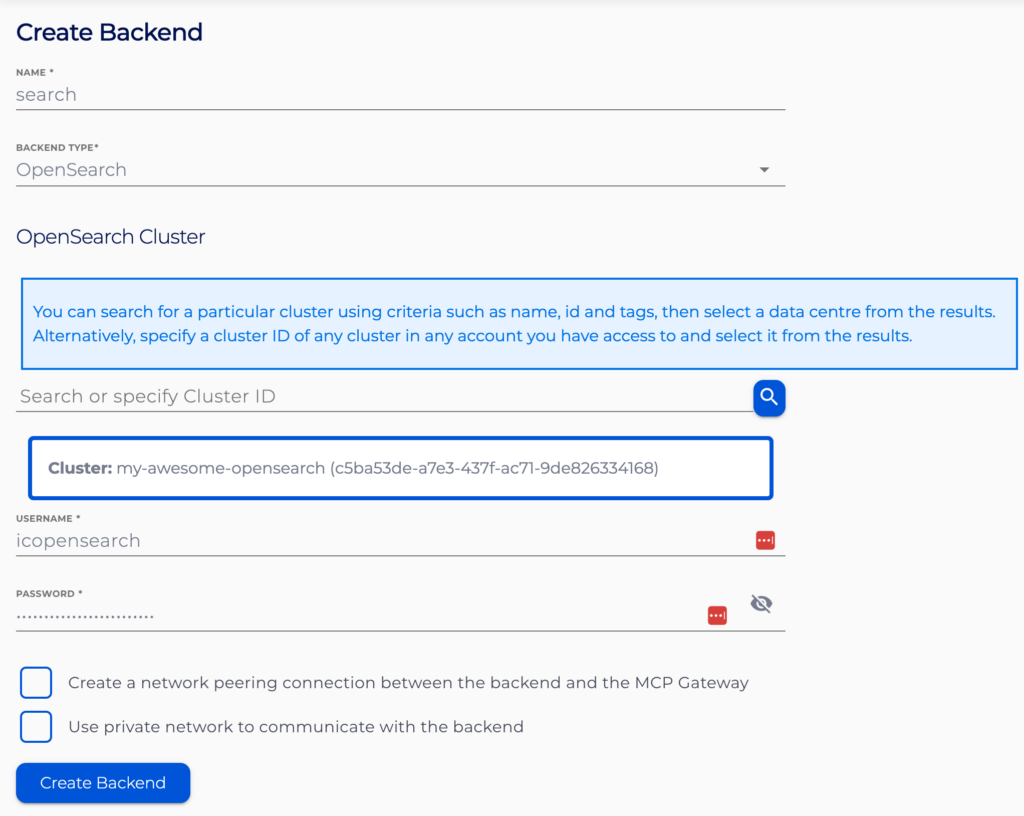
If the OpenSearch cluster is a Private Network cluster or you want the MCP Gateway to use private networking to communicate with the OpenSearch cluster consider enabling “Create a network peering connection” and “Use private network” options.
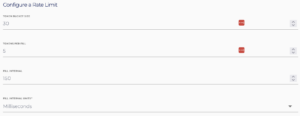
Rate limits can also be set on the backend during and after creation. Configuration is specified for a token-bucket approach using a throughput of requests per time unit and a maximum burst size. We strongly recommend setting a rate limit on your backend, however it is not required. Leaving the form fields blank will not set any rate limit.
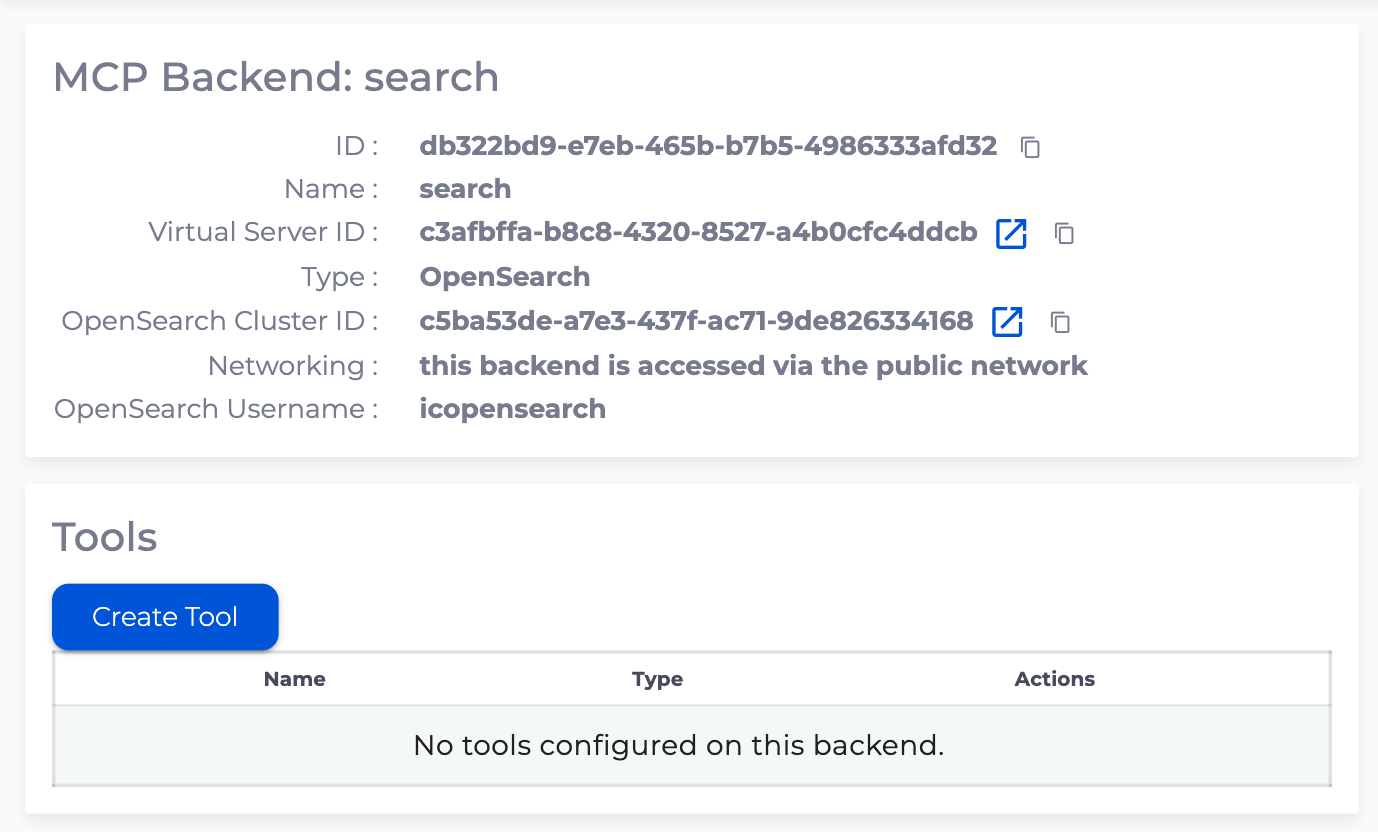
To create OpenSearch tools go to OpenSearch backend details page and click “Create Tool”
OpenSearch Document Search Tool
OpenSearch Document Search Tool will execute a pre-configured OpenSearch query on the pre-configured index on your OpenSearch cluster and return the hits.
Specify the name and description for the tool. These should provide information about the tool’s intented use and effects.
Specify the index you want searched.
Specify the OpenSearch query for the tool to execute. Use {"$param": "paramName"} syntax to mark bind variables that the AI agent will supply at call time (e.g. {"query":{"match":{"type":{"$param": "type"}}}}).
User authentication JWT claims can be incorporated into the query by using the following syntax: {"query":{"match":{"user":{"$cel": "jwt.sub"}}}}, where code inside {"$cel": "..."} uses Common Expression Language and has access to User’s JWT claims via jwt object.
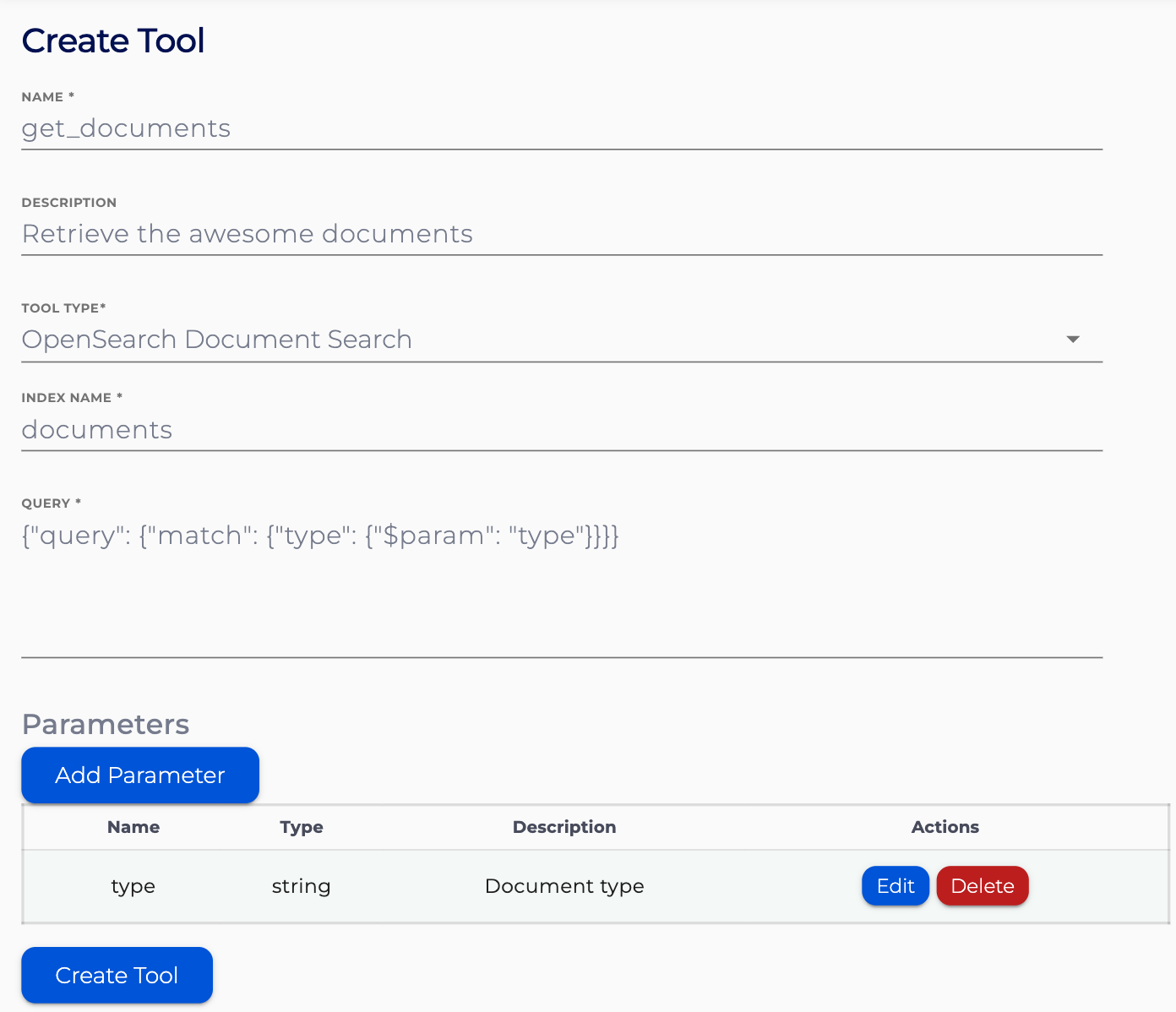
Optionally specify parameters to declare the bind variables referenced in the query. Multiple parameters can be configured with the “Add Parameter” button. Specify how the parameter name, the parameter type and an optional description.
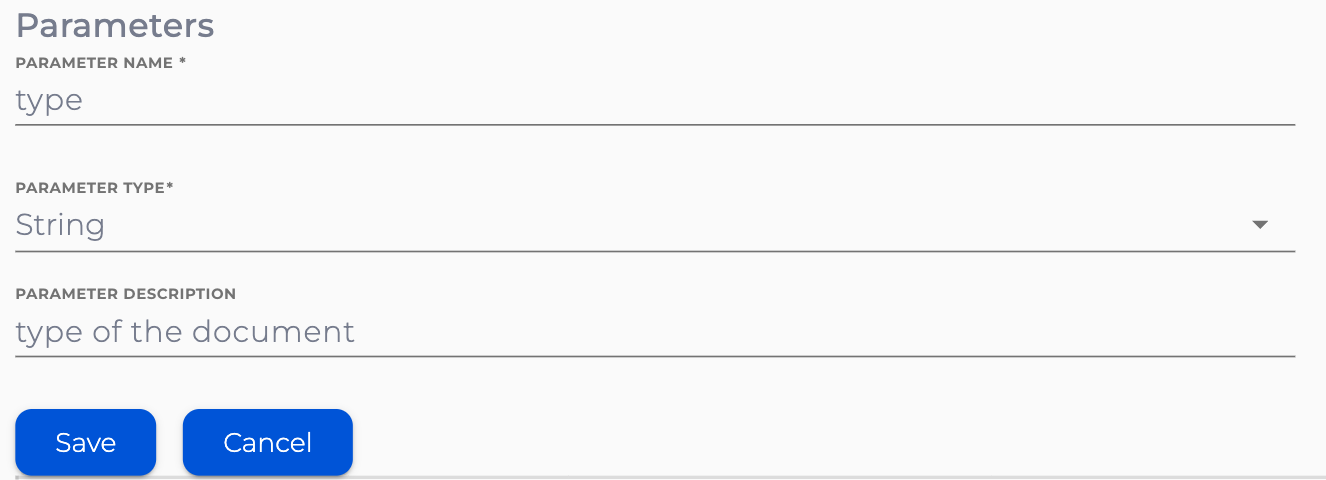
Parameters are also available inside {"$cel": "..."} Common Expression Language via args object (e.g. {"query":{"match":{"type":{"$cel": "args.type"}}}}).
OpenSearch Index Document Tool
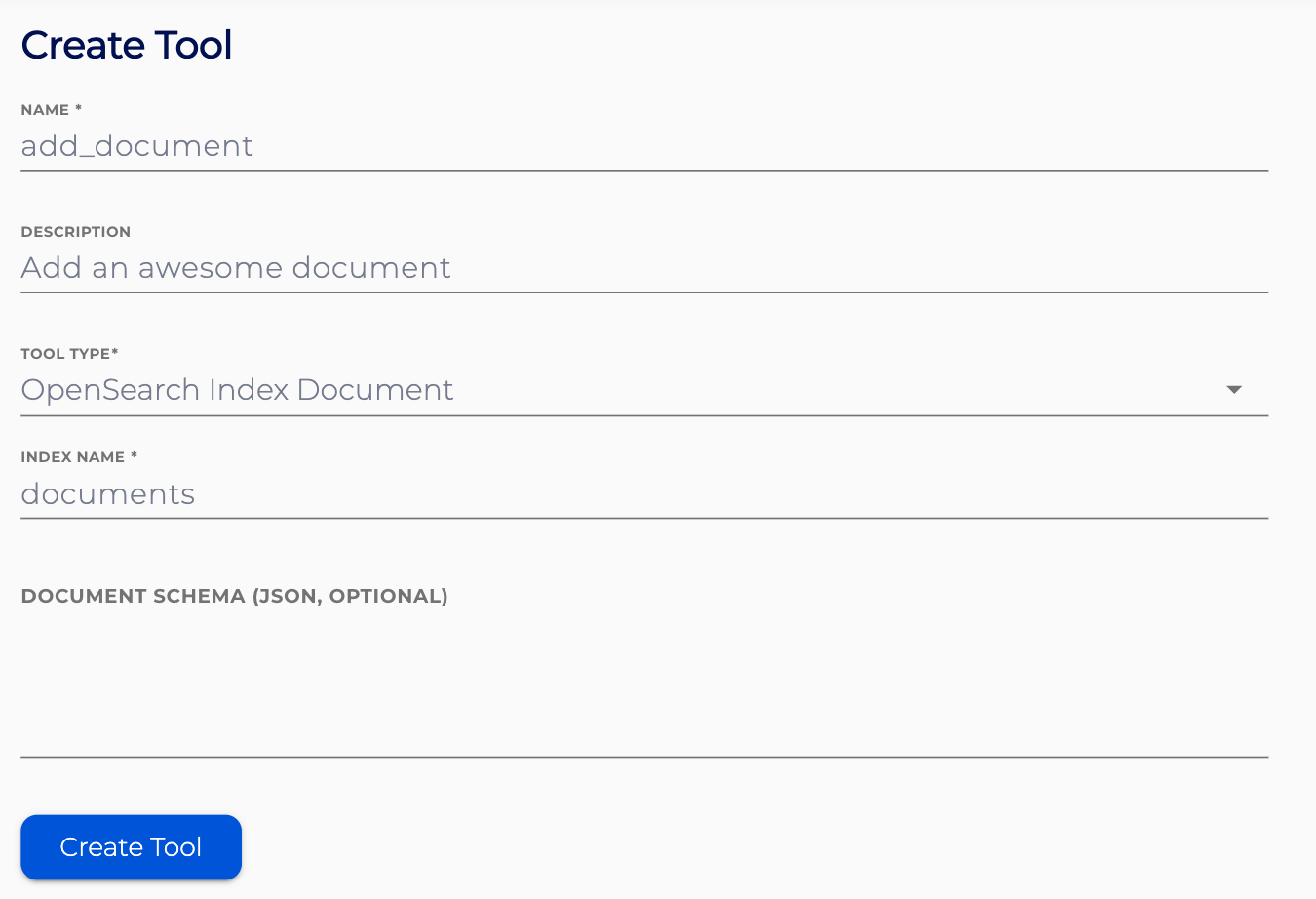
OpenSearch Index Document Tool will add an AI agent supplied document to a pre-configured index on your OpenSearch cluster.
Specify the name and description for the tool. These should provide information about the tool’s intented use and effects.
Specify the index you want to document to be added to.
Optionally specify the document schema in the JSON schema format.
You can optionally specify a rate limit for the tool configured as a token-bucket using a throughput of requests per time unit and a maximum burst size. If the backend also has a rate limit and is less permissive, it will take precedence over the tool rate limit. Leaving the form fields blank will not set any rate limit.
